Pabbly Connect Team•Updated Jul 25, 2026•3 min read
On this page
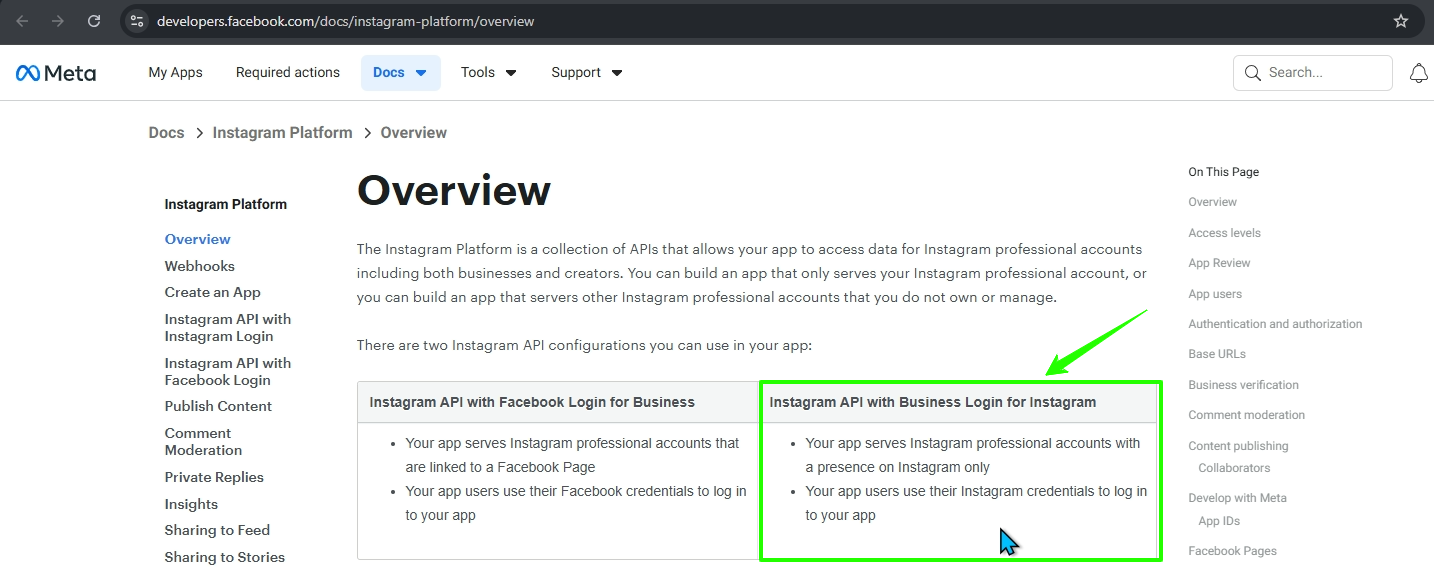
This guide walks you through generating an access token to enable Instagram DM automation using the Meta Developer Platform and creating a connection with it in Pabbly Connect.
Overview:
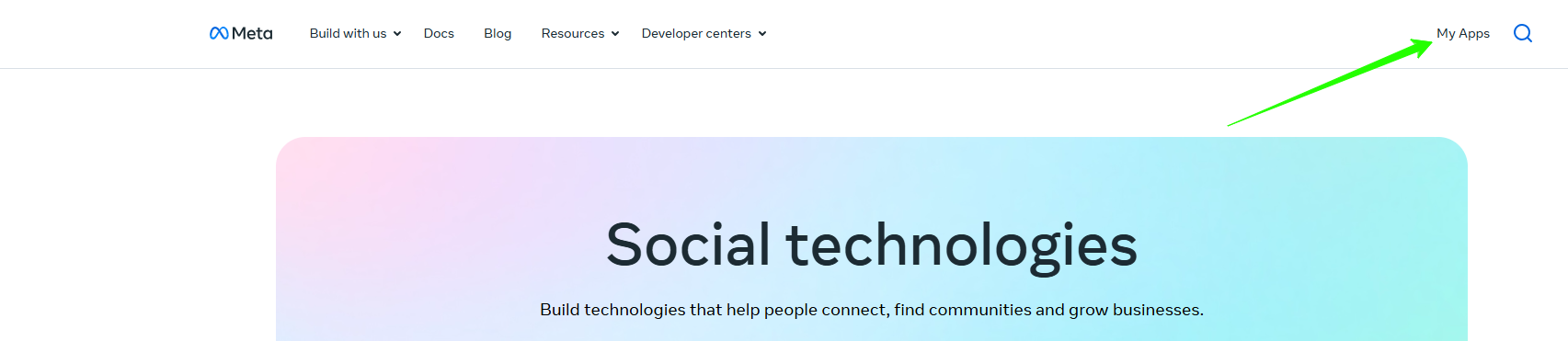
Go to Meta Developers Portal
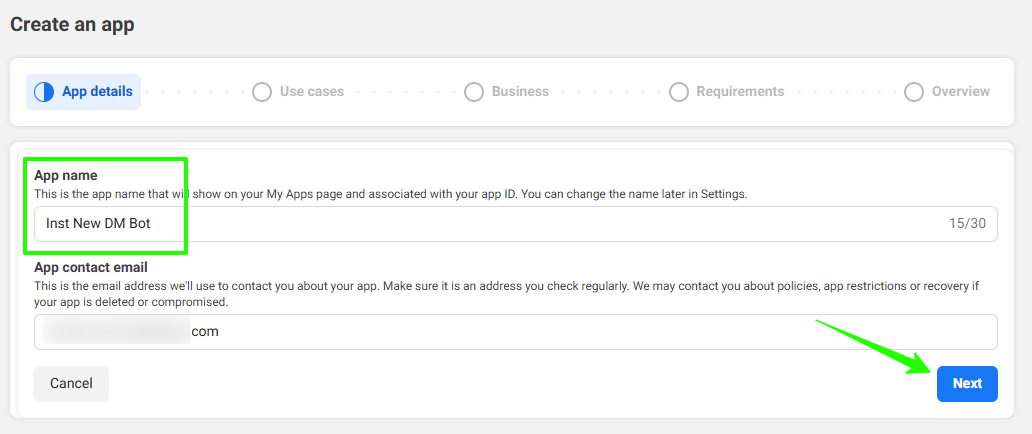
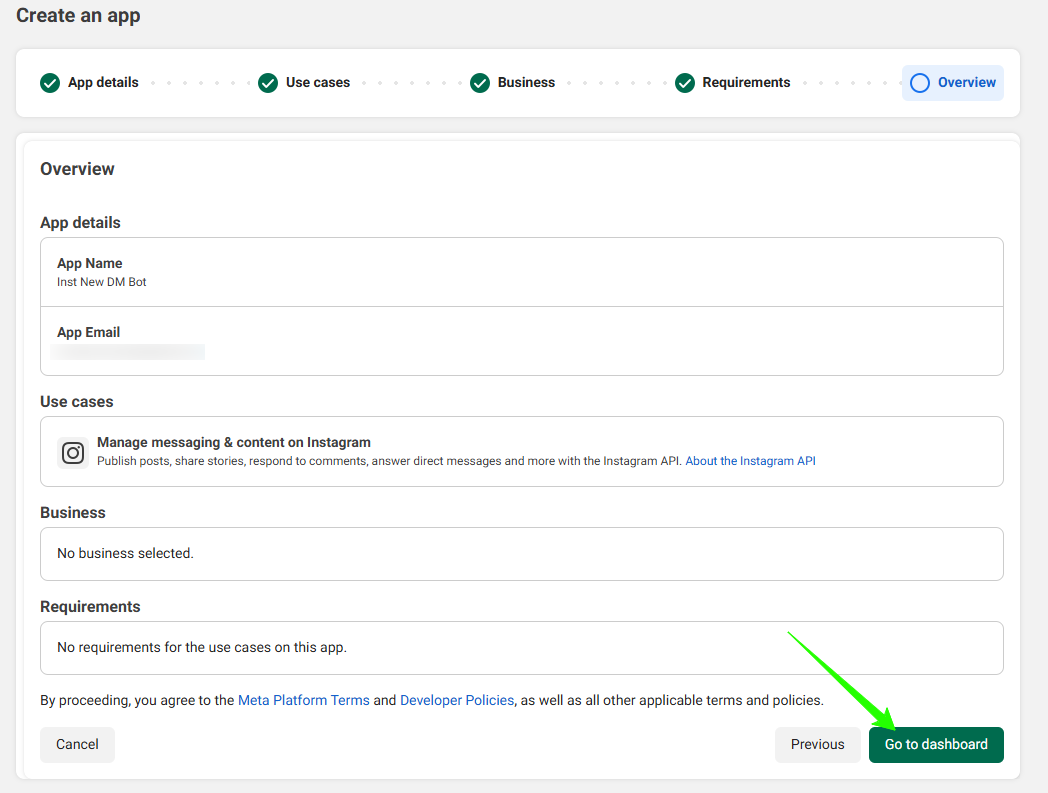
Create a New App
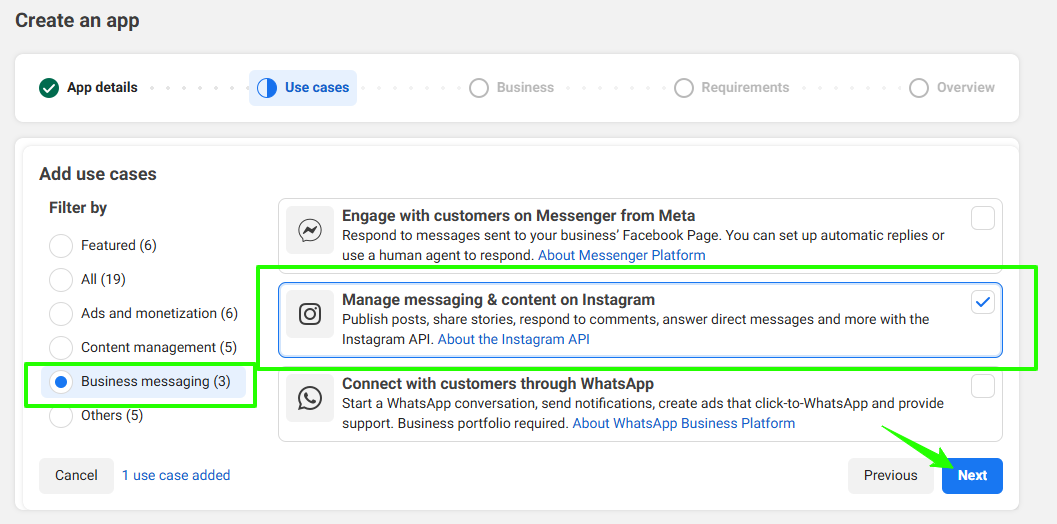
Select Use Cases
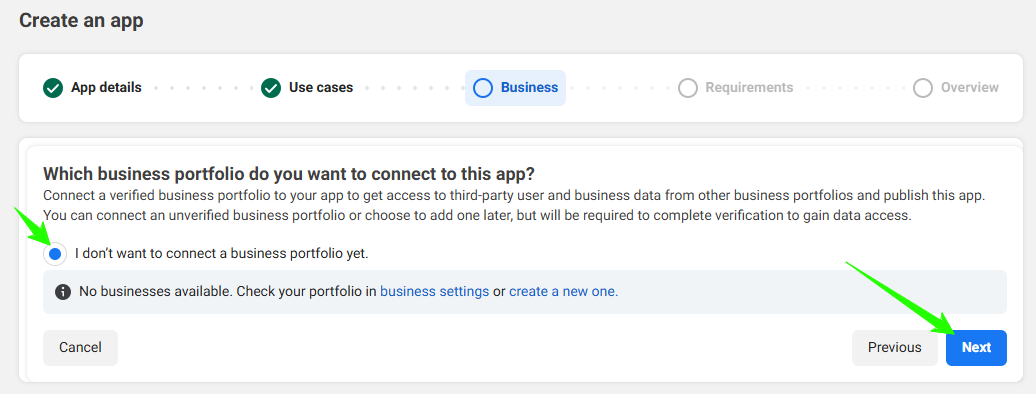
Select Business Portfolio
Open API Setup with Instagram Login
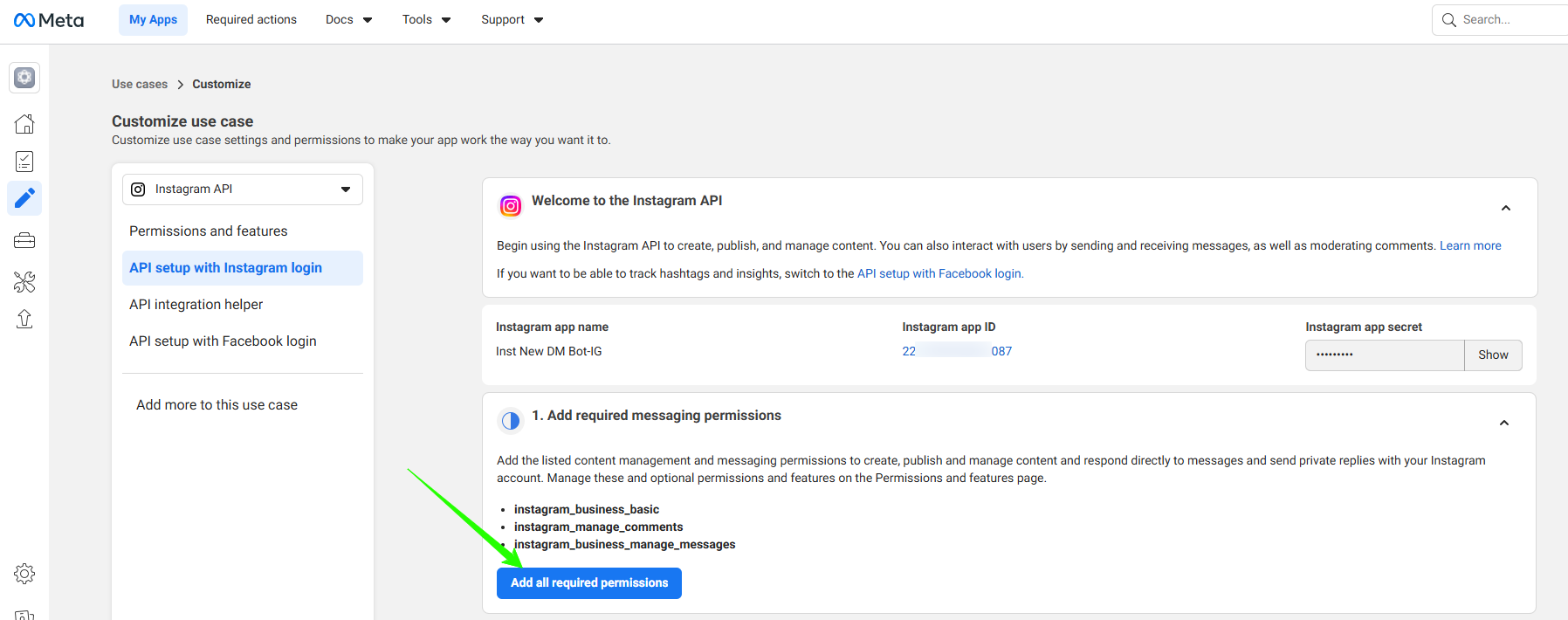
Add Required Messaging Permissions
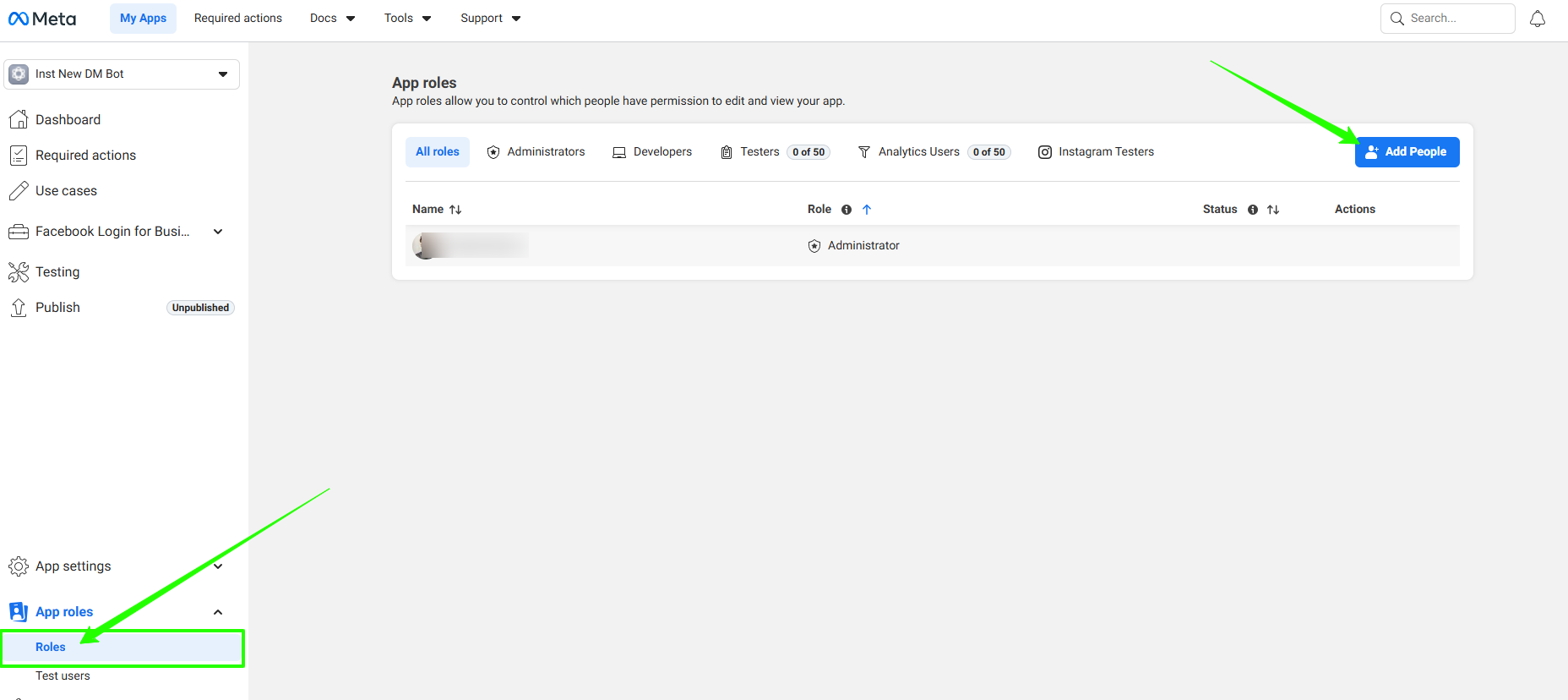
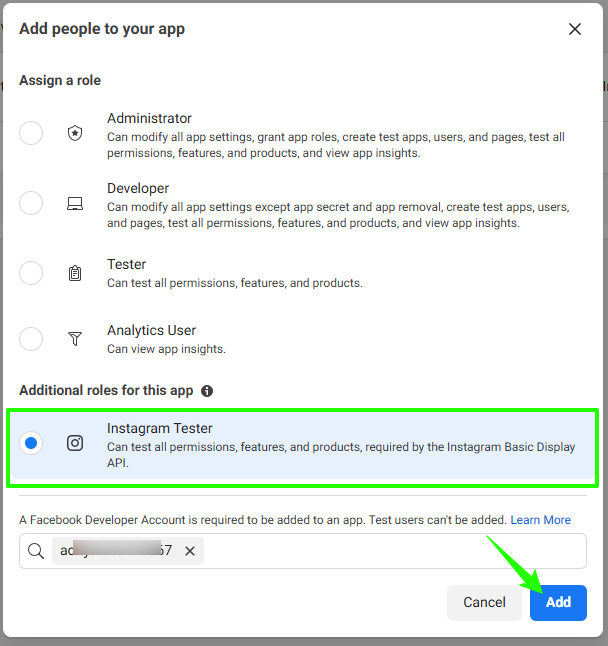
Add Your Instagram Account as Tester
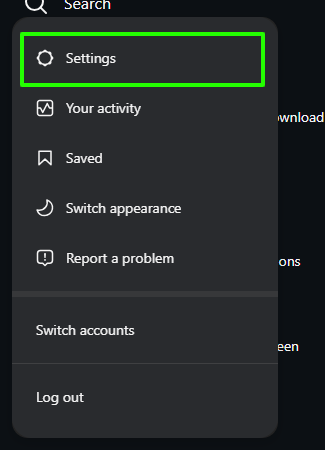
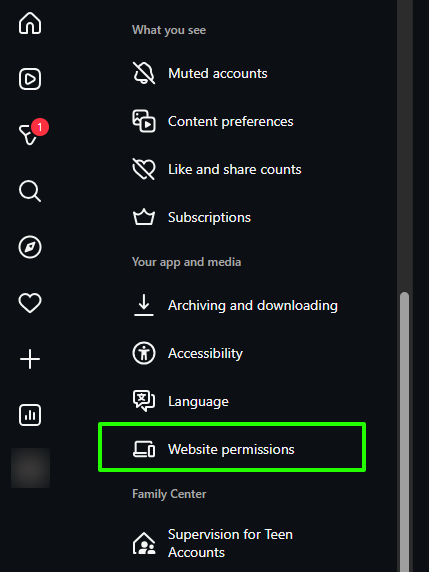
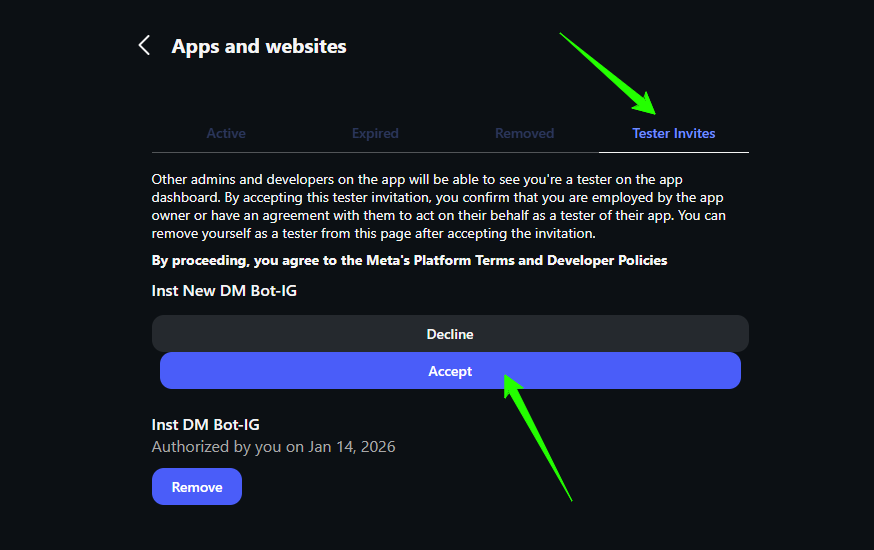
Accept the Tester Invitation
Access Token and Webhooks
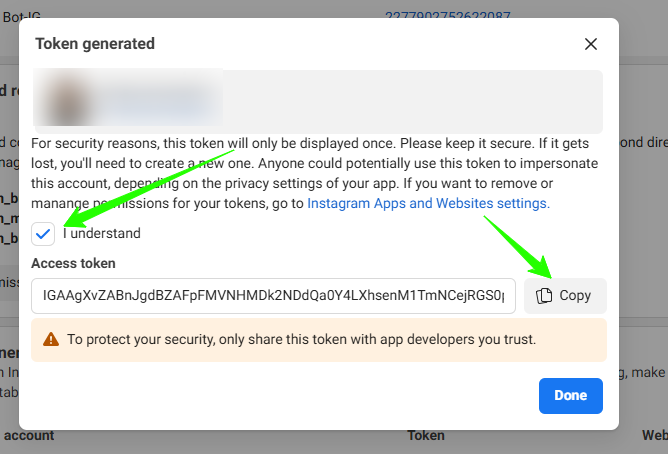
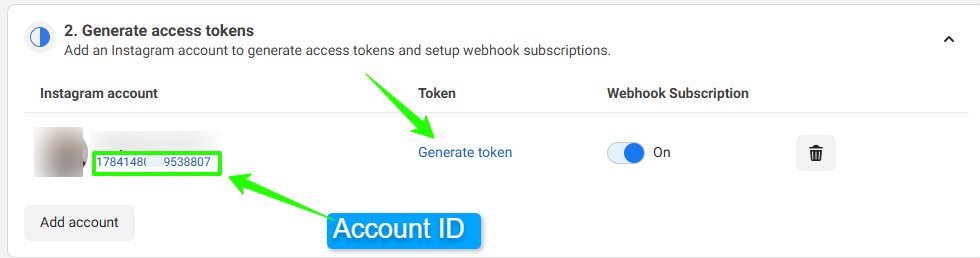
Generate Access Token and Copy Account ID
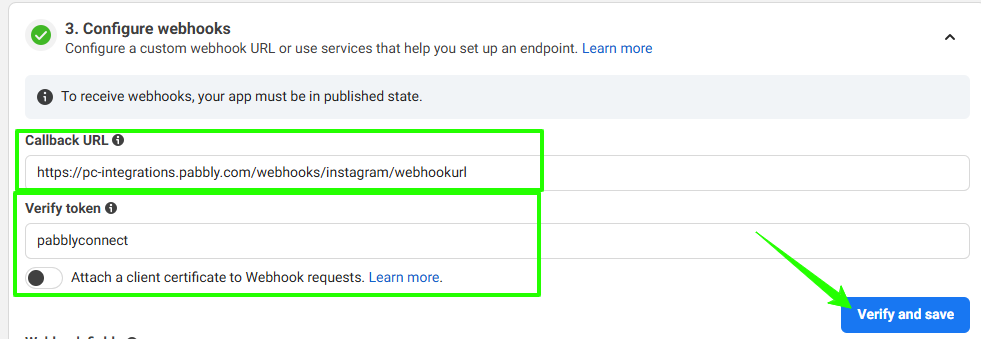
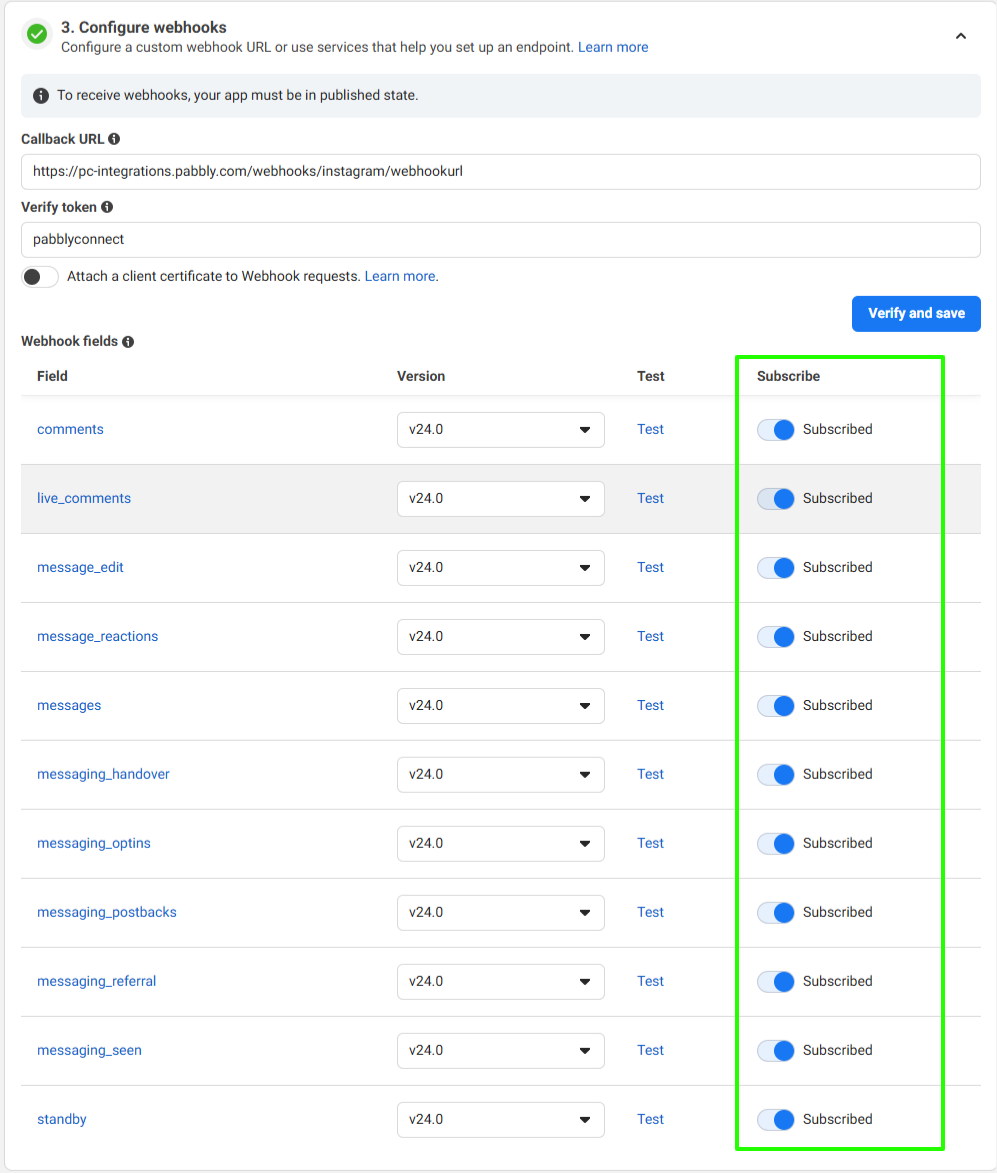
Configure Webhooks
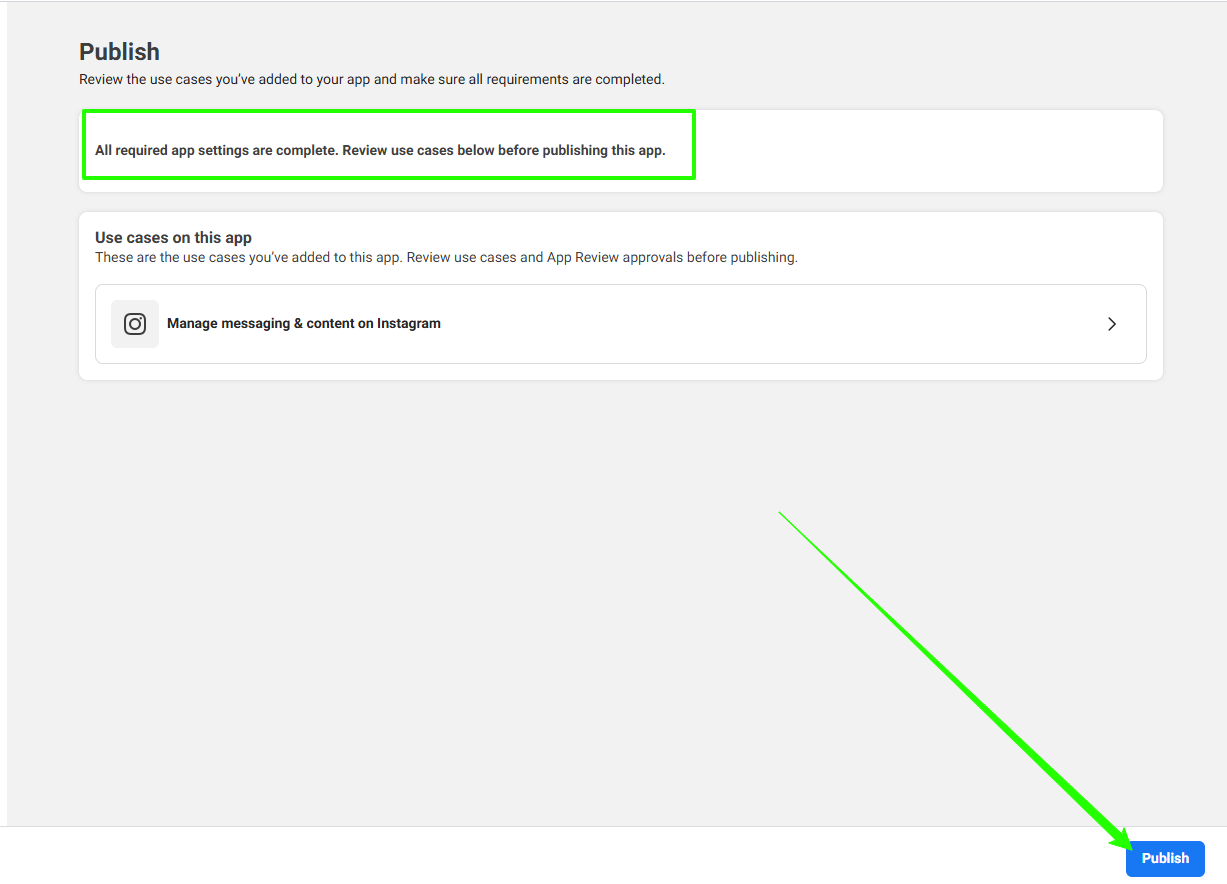
Publish Your App
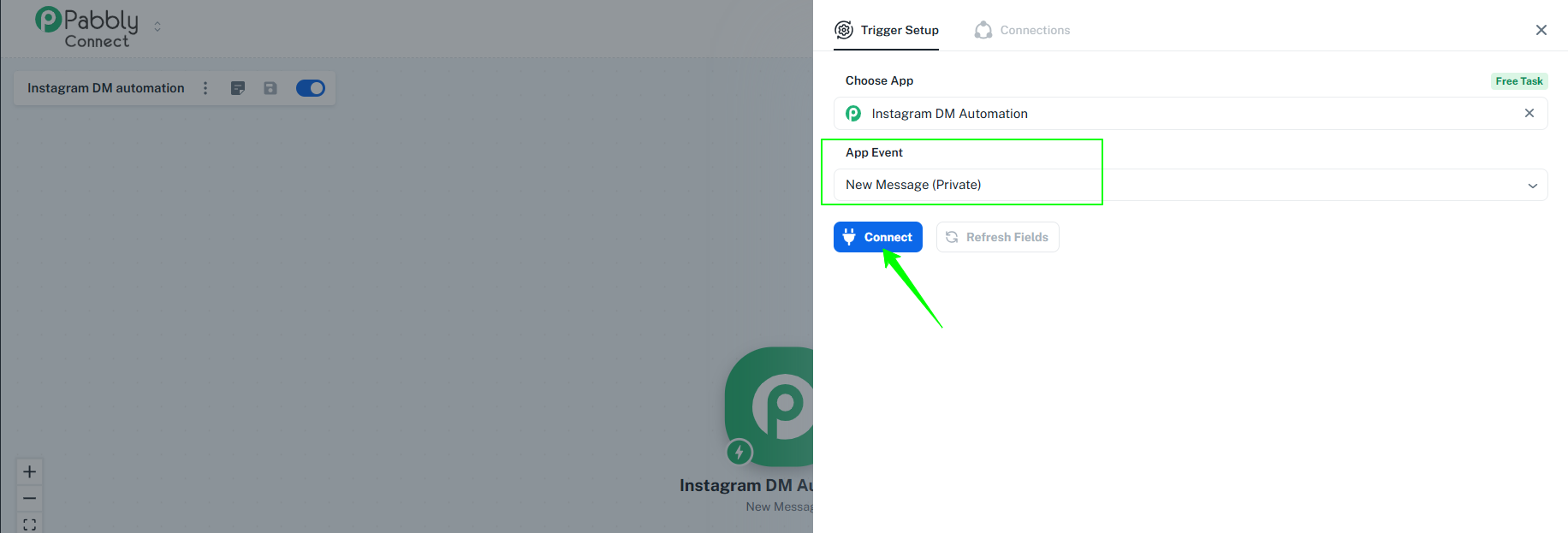
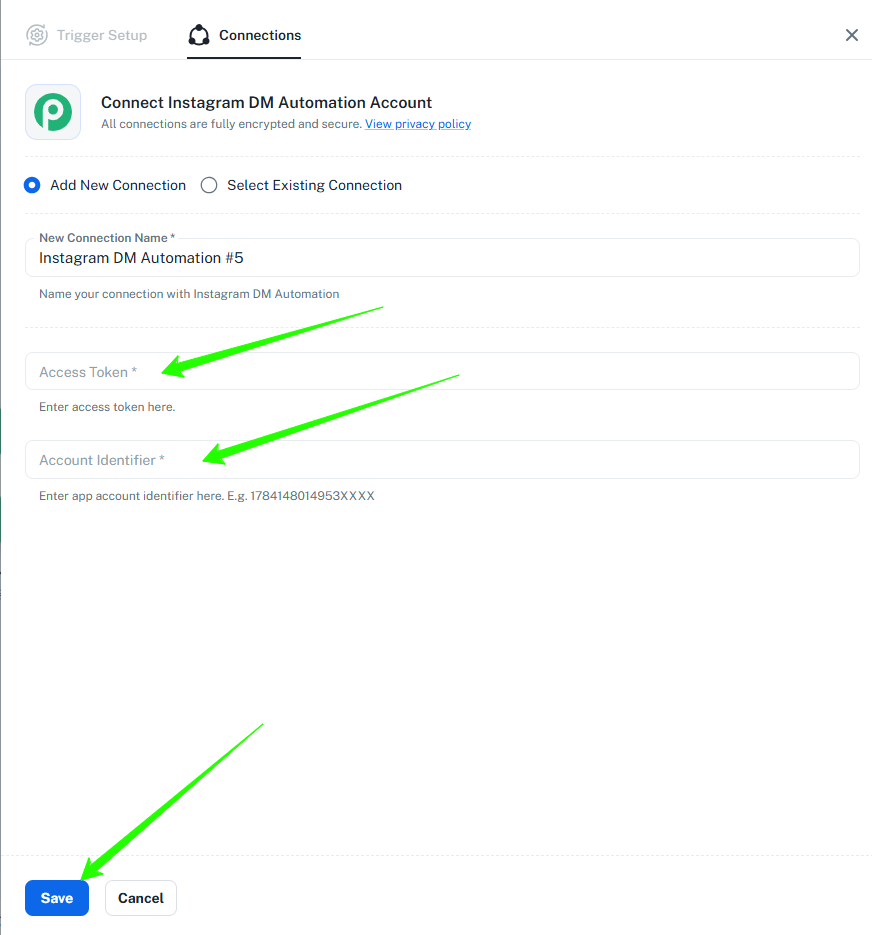
Create a connection in Pabbly Connect
Prerequisites
A public Instagram Professional or Business account
 Pabbly Connect Team•Updated Jul 25, 2026•3 min read