Campaign
 Pabbly Email Marketing Team•Updated Oct 23, 2026•1 min read
A text-based email editor with formatting tools, similar to a word processor.
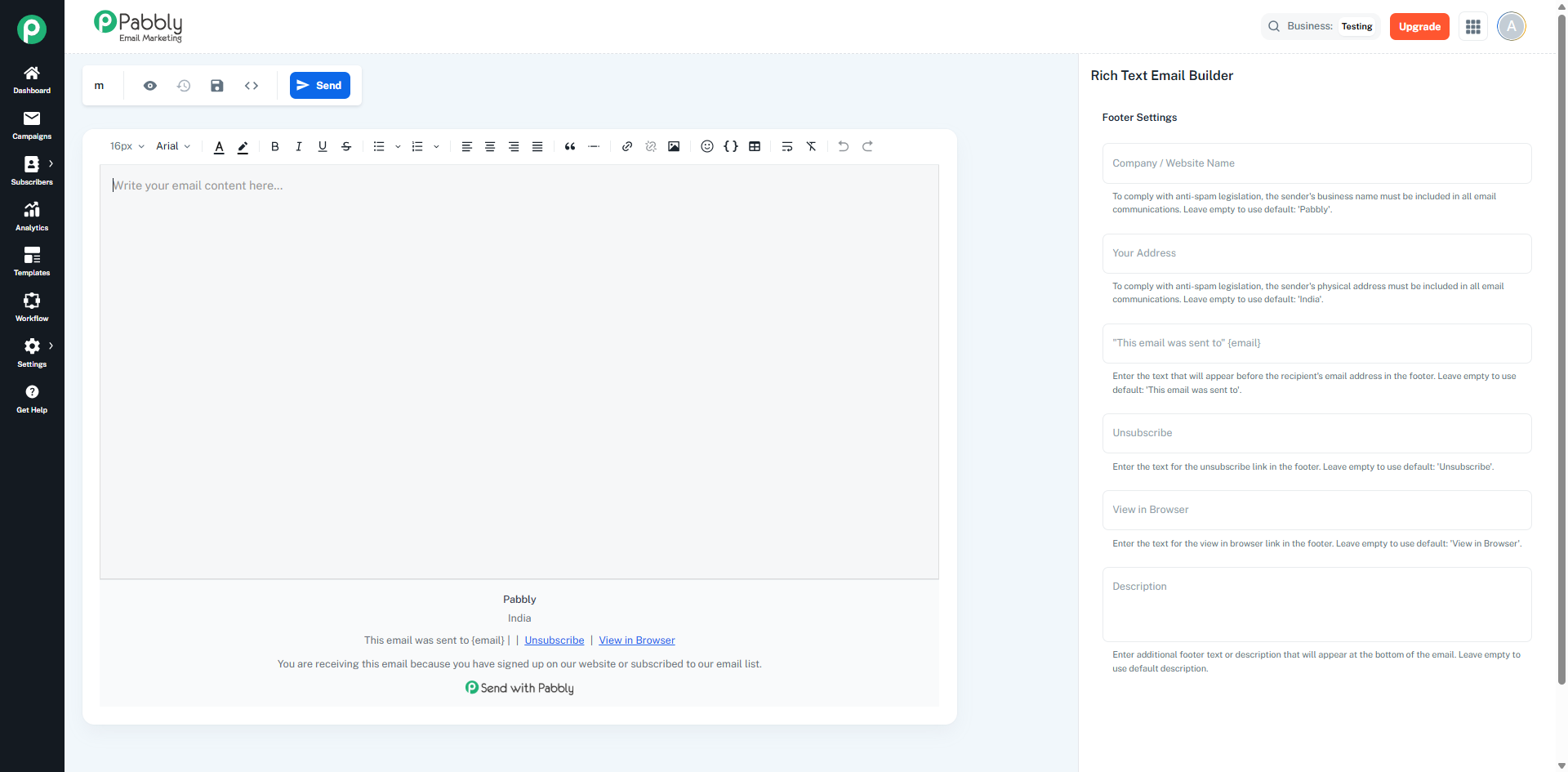
Text editing canvas with live preview
Toolbar with formatting options (bold, italic, underline, font size, font family, colors, alignment, lists, links, images, tables)
Supports text formatting, images, links, tables, and custom fields
Configure footer settings and email metadata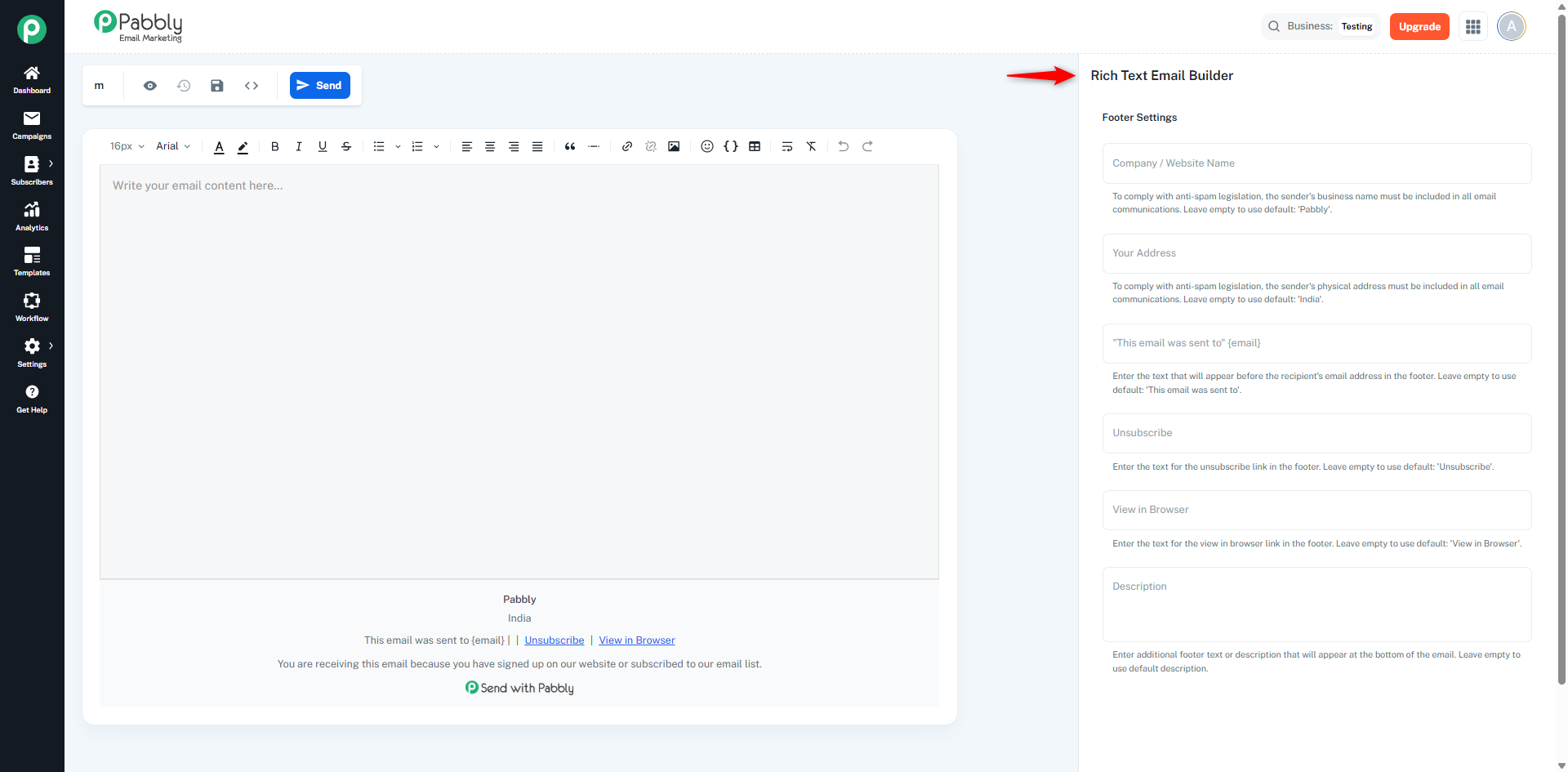
Rich Formatting: Bold, italic, underline, font sizes, font families, text colors, background colors.
Content Elements: Images (with resizing), links, tables, bullet/ordered lists, custom fields.
Preview Modes: Switch between desktop and mobile views.
Source Code View: Toggle to view/edit HTML source code.
Manual Save: Changes are not auto-saved. You must click the Save icon in the canvas header and then click Save Campaign. Only after saving, the edited content will be reflected in the campaign preview.
Save as Template: You can save your campaign content as a template. The saved template will appear on the Templates page and can be reused for other campaigns.
Email Compatibility: Converts content to email-compatible HTML with inlined styles.
Enables users to create text-focused emails using familiar word processor-style formatting without coding.
