Access Token Management
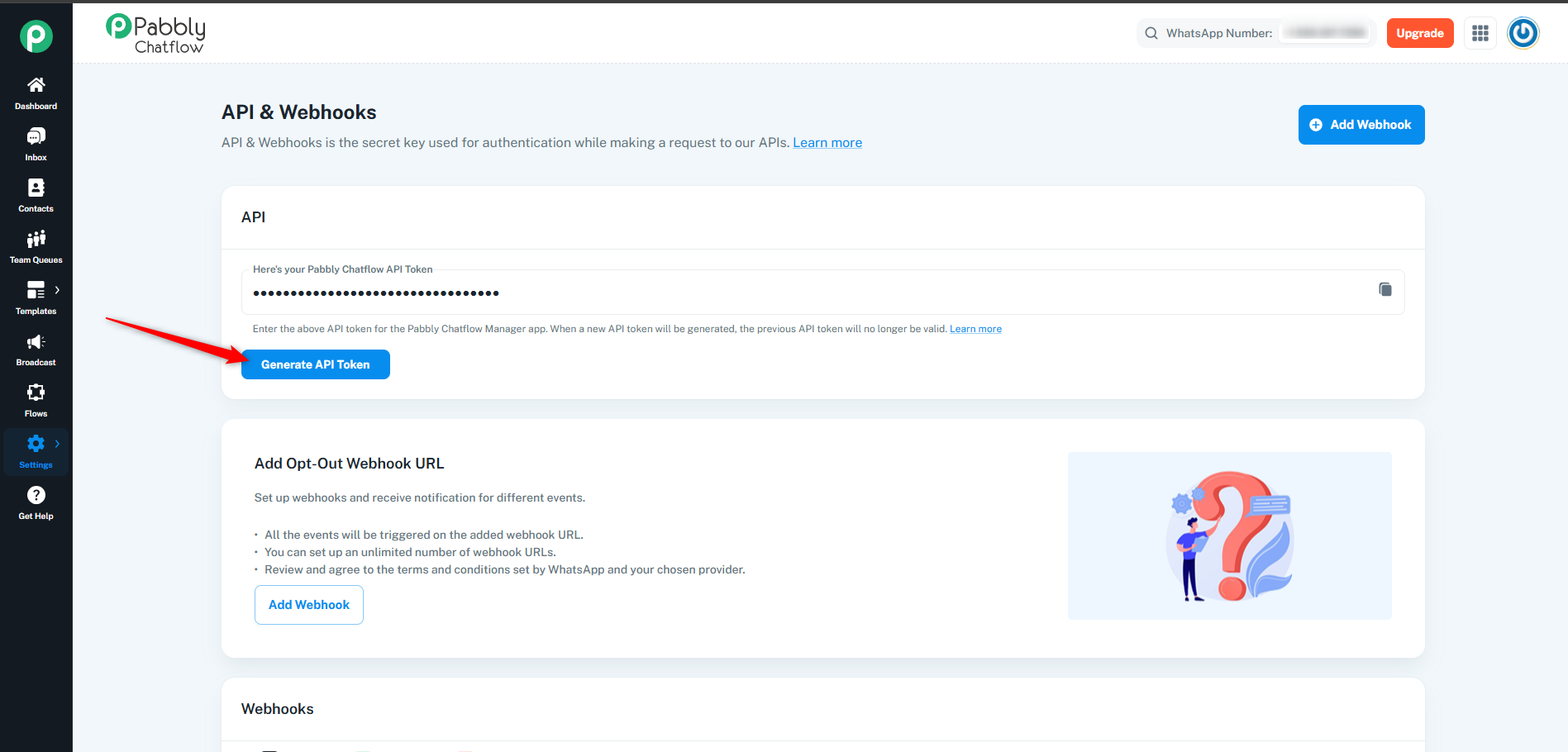
How to Access and Generate the Access Token in Pabbly Chatflow
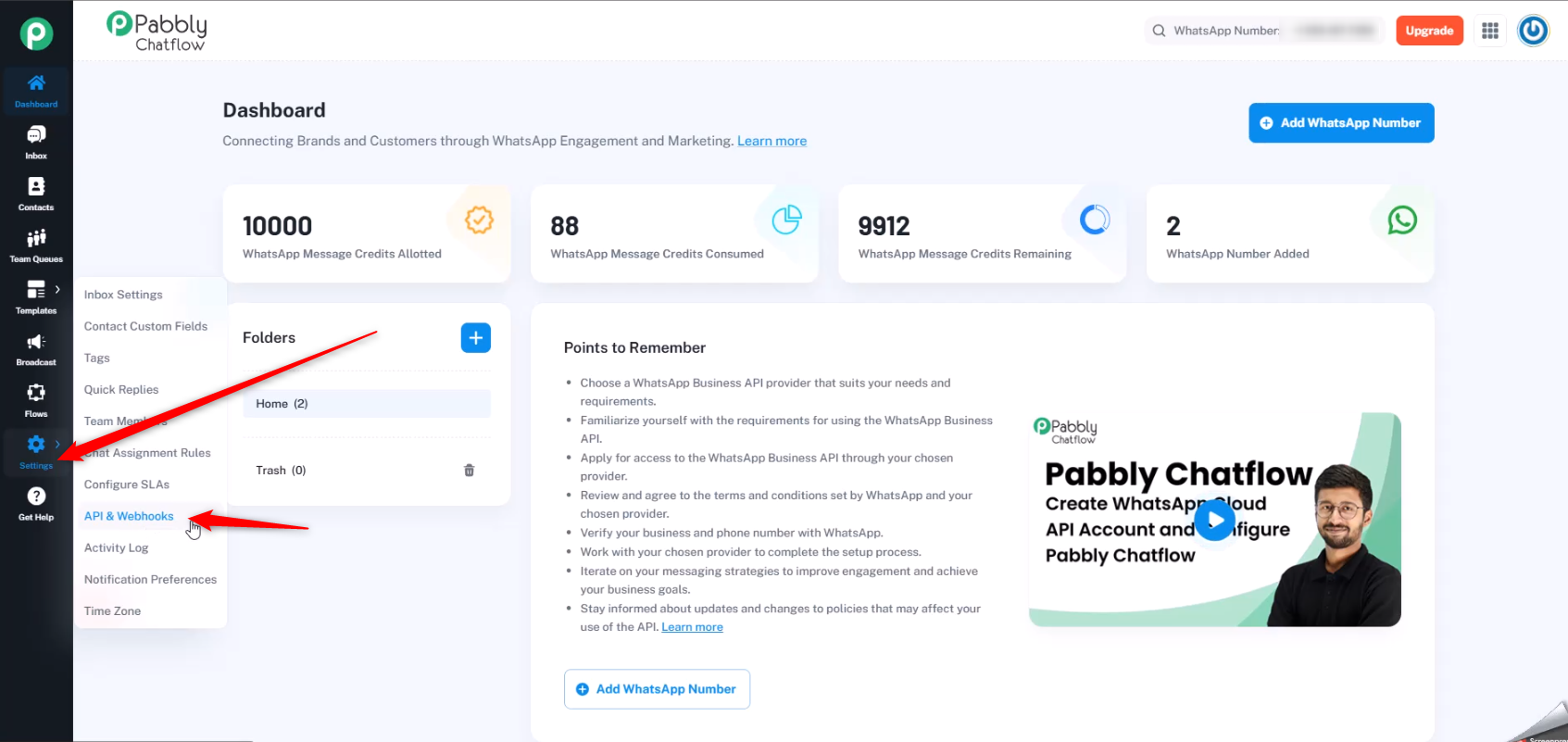
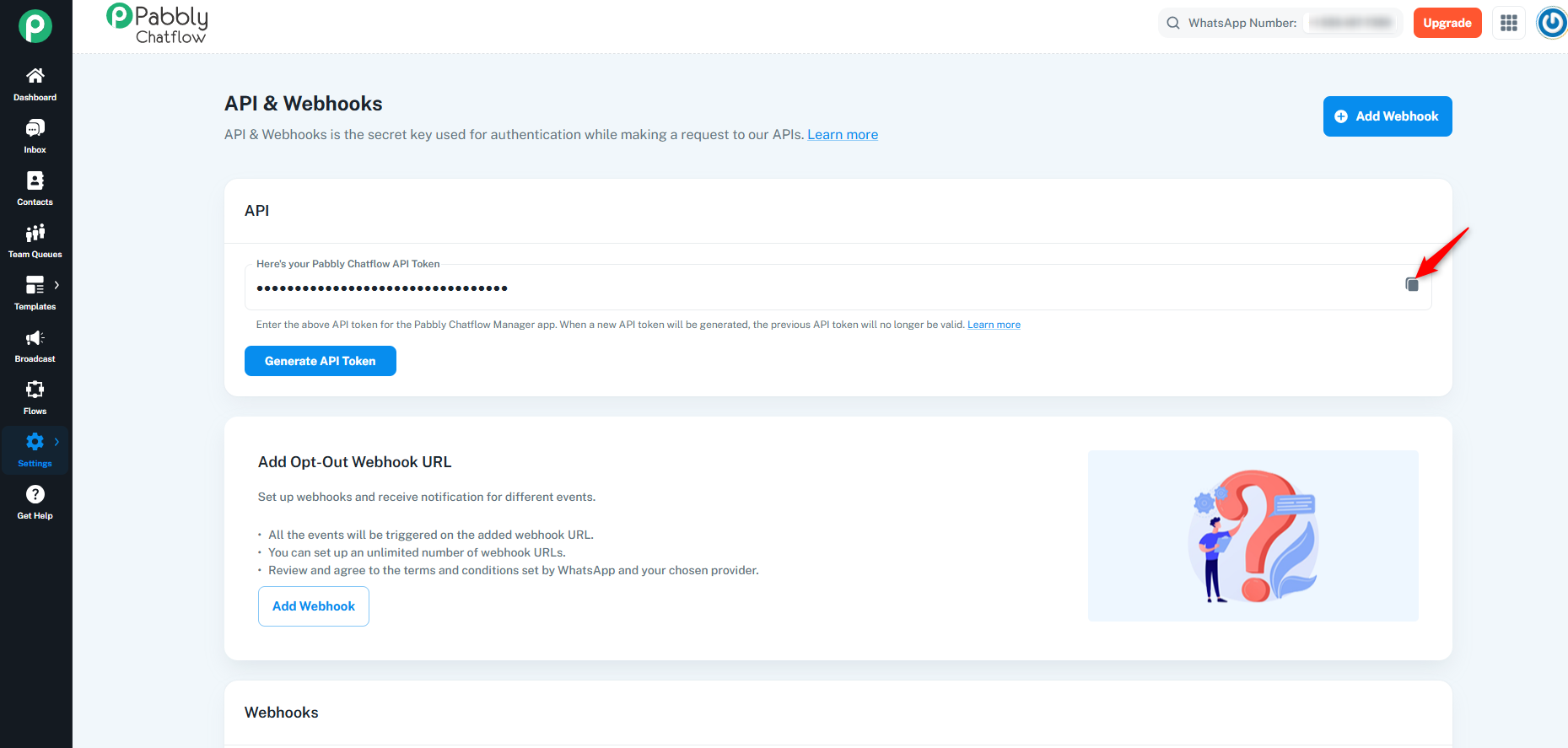
To access the API token in Pabbly Chatflow, follow these steps:
In the Pabbly Chatflow application, go to the Settings section.
Select the API & Webhook option.
Webhooks allow you to receive real-time notifications for different events occurring in Pabbly Chatflow. Follow these steps to set up a webhook:
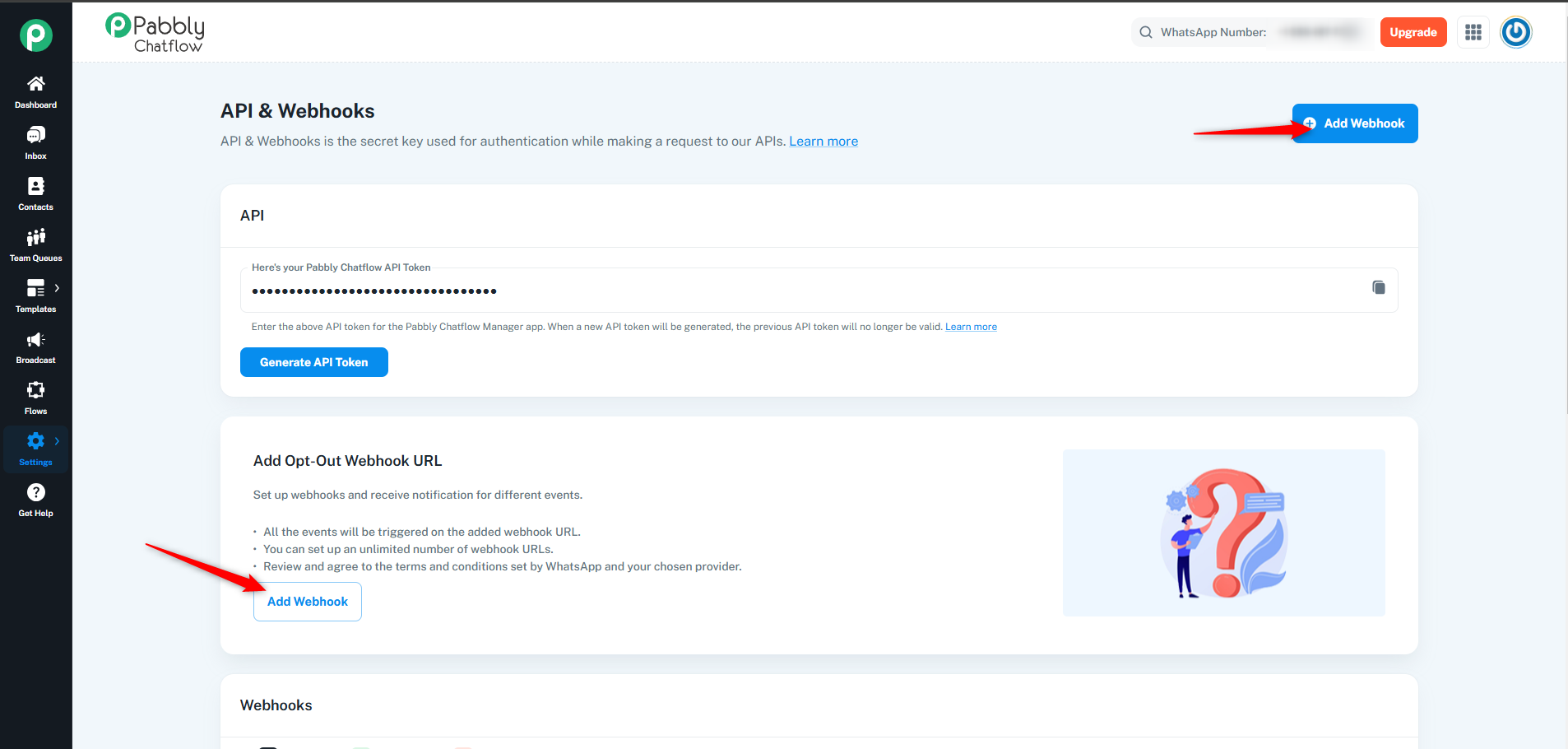
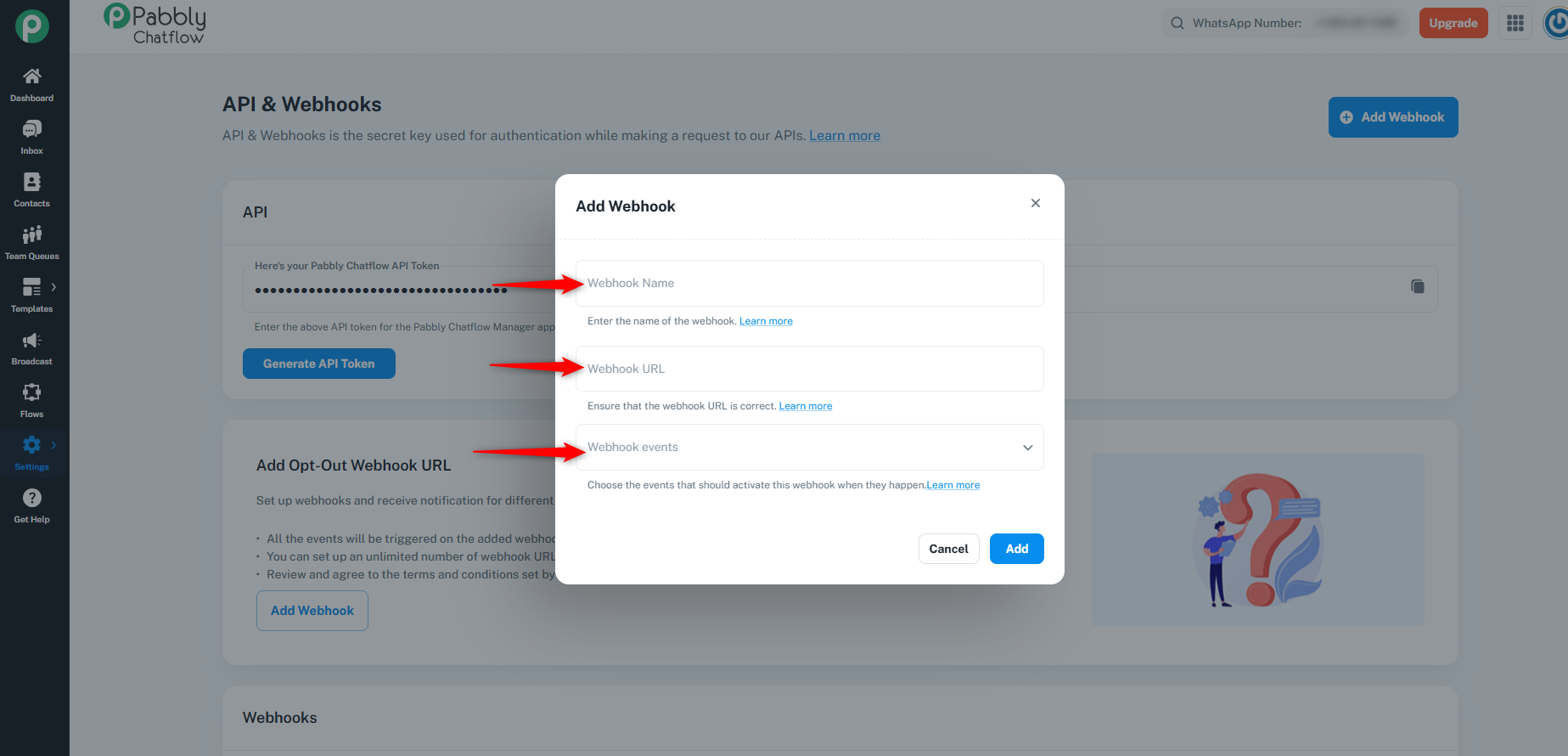
A dialog box will appear, prompting you to enter the following information:
Webhook Name
Webhook URL (where notifications will be sent)
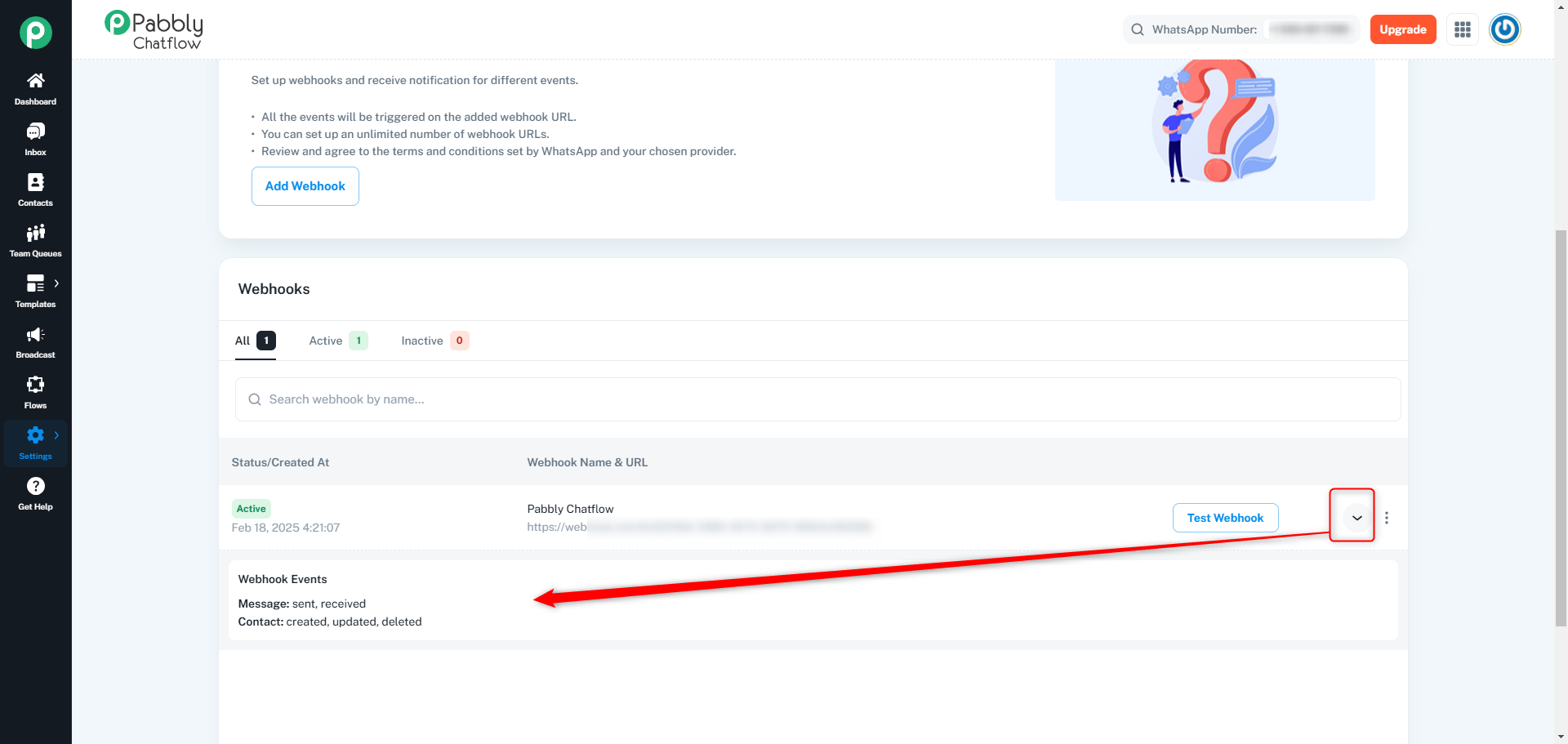
Webhook Events (select the event types you want to receive notifications for)
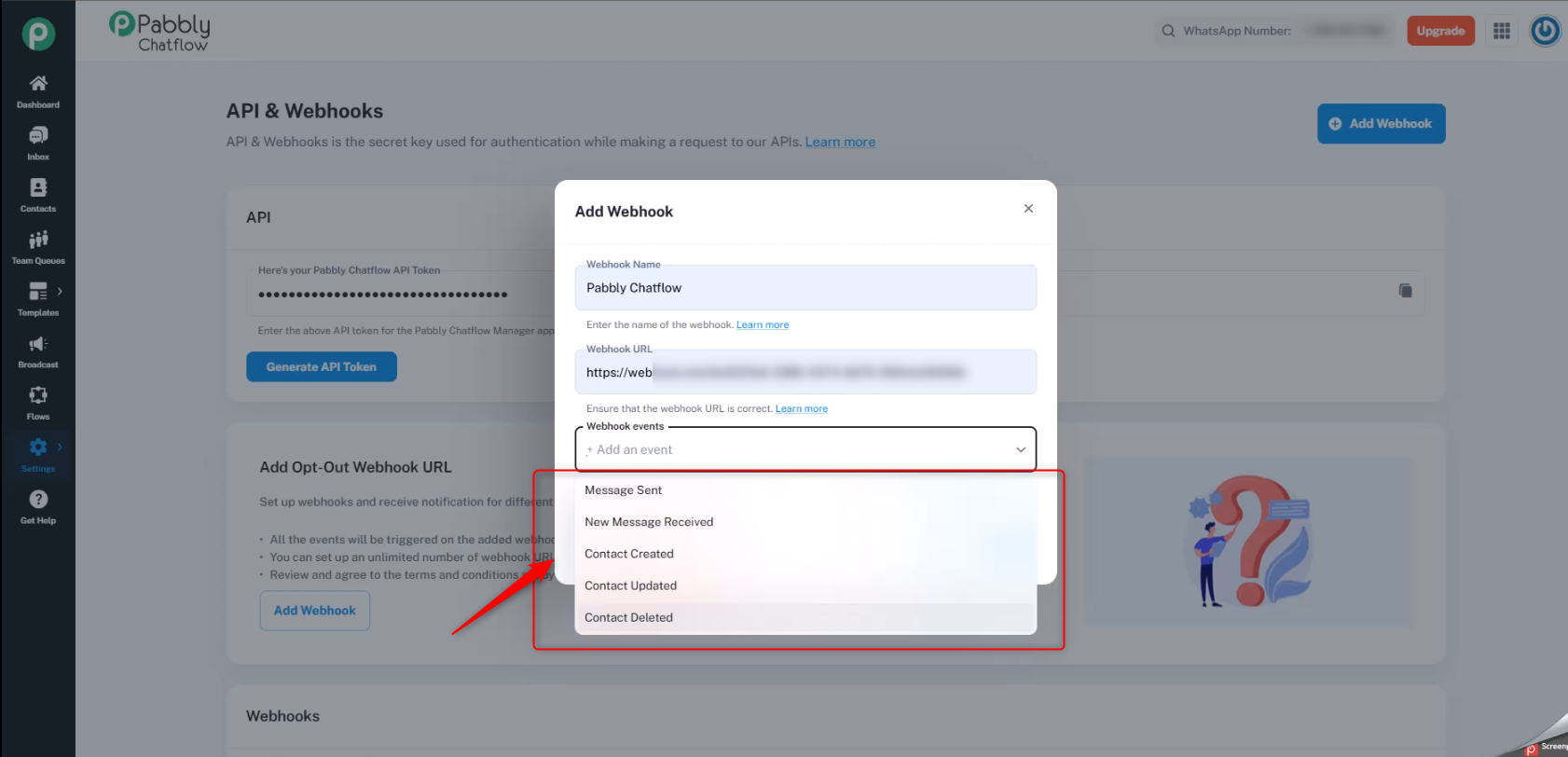
Pabbly Chatflow supports the following event types:
Message Sent: Triggered when a message is sent via Chatflow.
New Message Received: Triggered when a new message is received from a user.
Contact Created: Triggered when a new contact is created in Chatflow.
Contact Updated: Triggered when an existing contact’s information is updated.
Contact Deleted: Triggered when a contact is deleted from Chatflow.
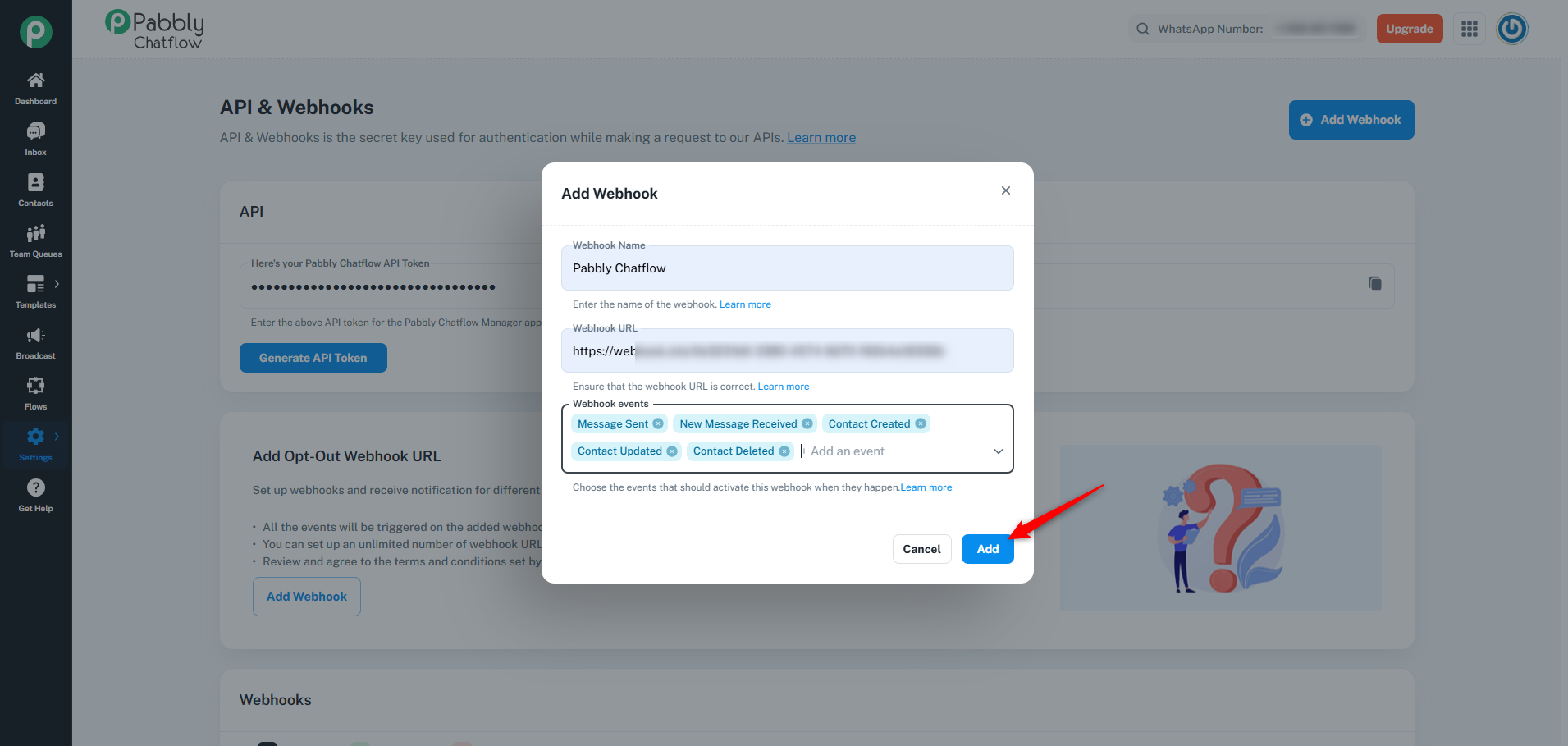
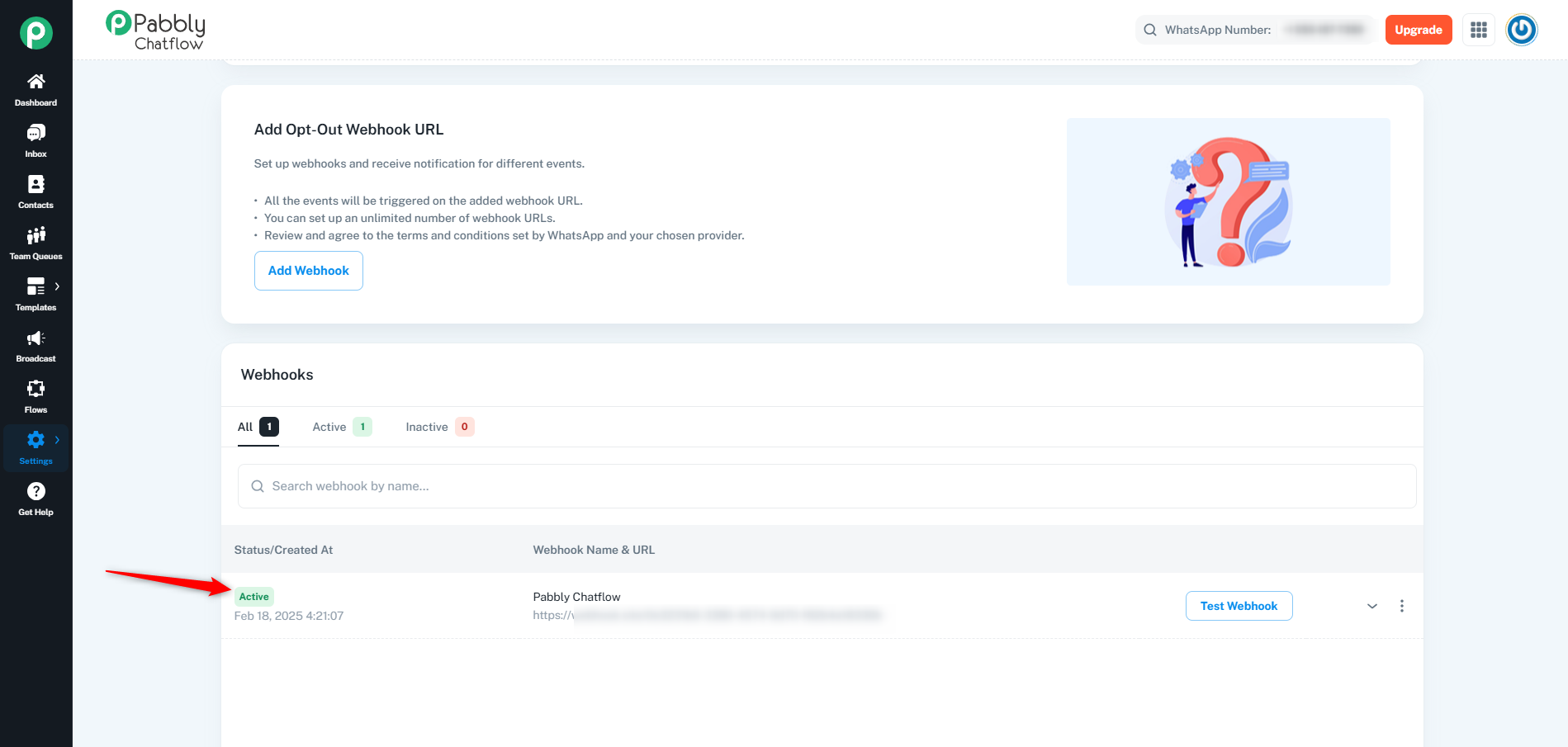
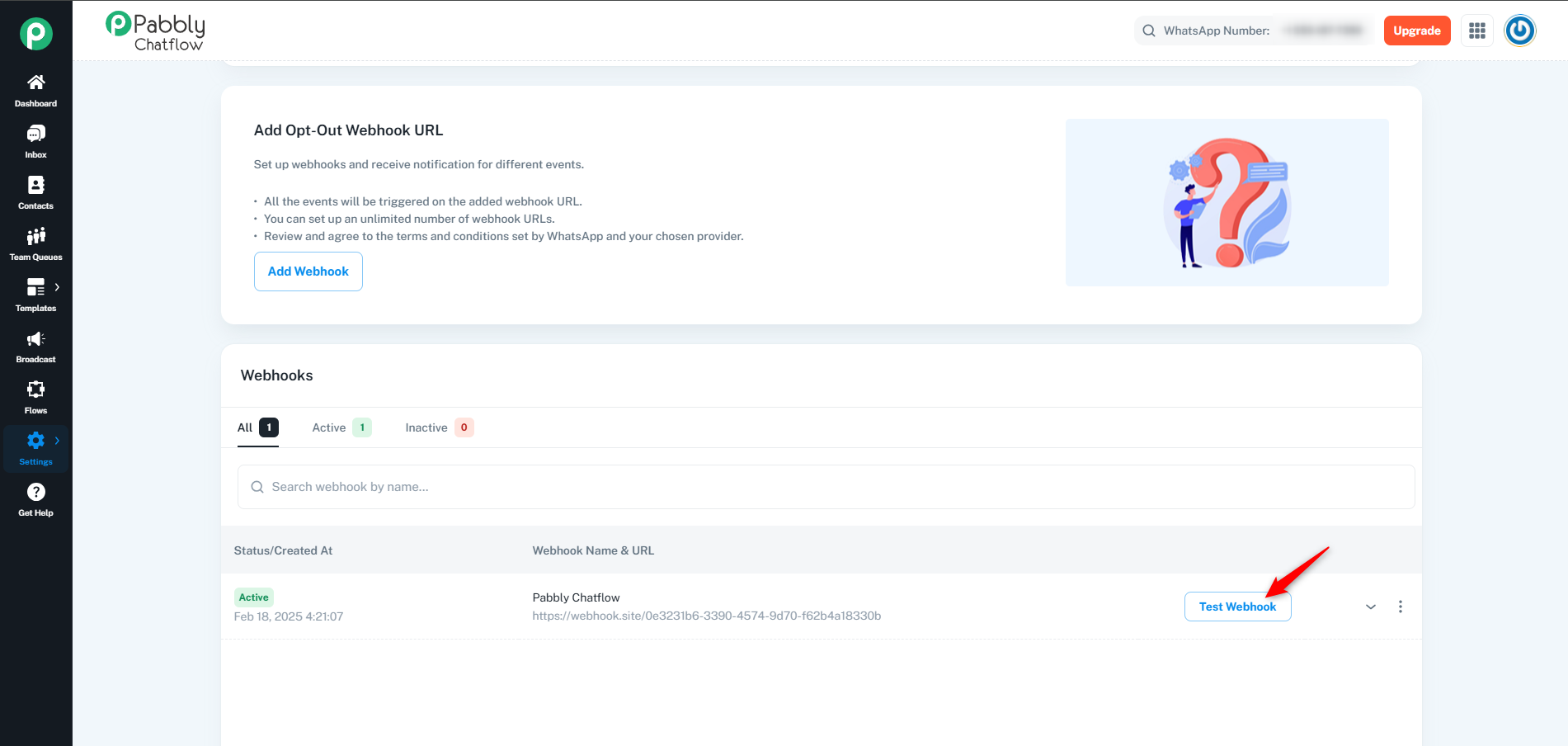
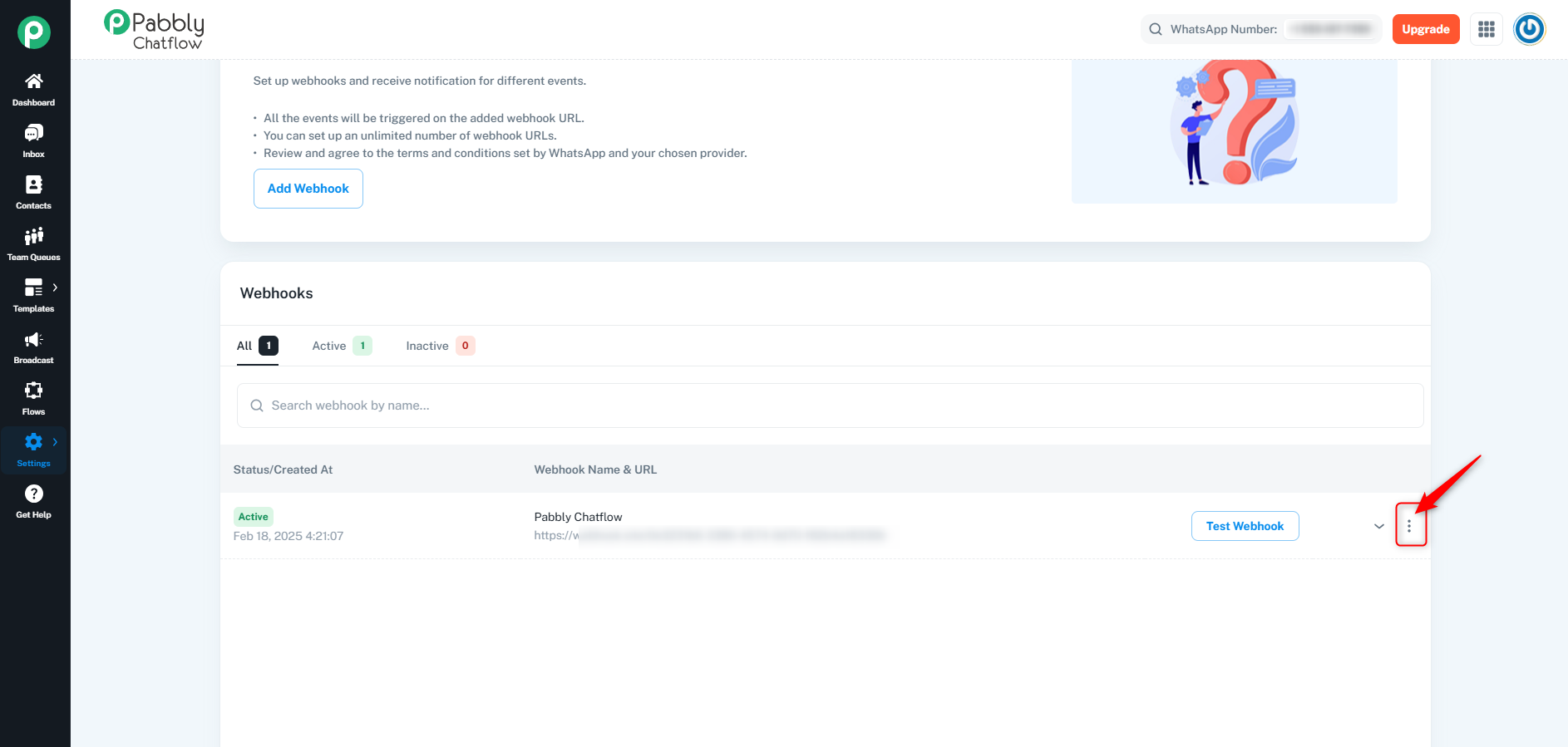
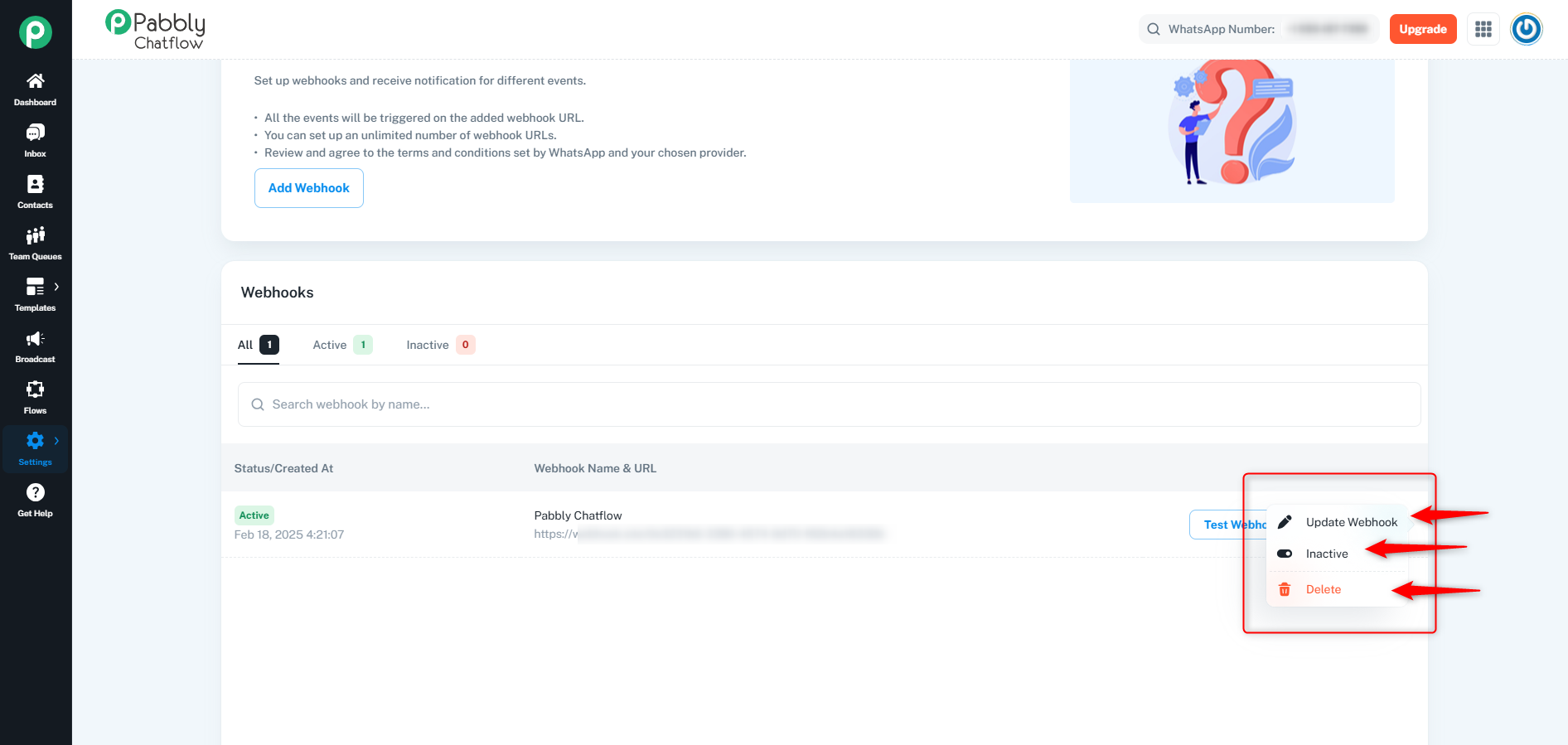
By following these steps, you can easily manage your API tokens and webhooks in Pabbly Chatflow for seamless integration and automation.
