Getting Started
 Pabbly Studio Team•Updated Oct 1, 2026•2 min read
Pabbly Studio is an AI app builder. You describe the app you need in plain words. Pabbly Studio then designs it, writes the code, sets up its database and puts it live on the internet, usually within a few minutes.
You do not need to know how to code, and you do not need to set up any hosting.
You can build almost anything that runs in a web browser. This includes business tools like invoice trackers, CRMs and booking systems, as well as internal dashboards, client portals, landing pages, websites, forms, surveys, calculators and simple games.
1. Describe your app. Type what you want on the Pabbly Studio dashboard. For example: "An invoice tracker for a small agency: add clients, create invoices with line items, mark them paid, and see the total unpaid amount on a dashboard."
2. Pabbly Studio builds it. It plans the app, chooses the colours and fonts, and writes the pages and the database. Then it checks the result on phone and desktop and fixes any problems it finds.
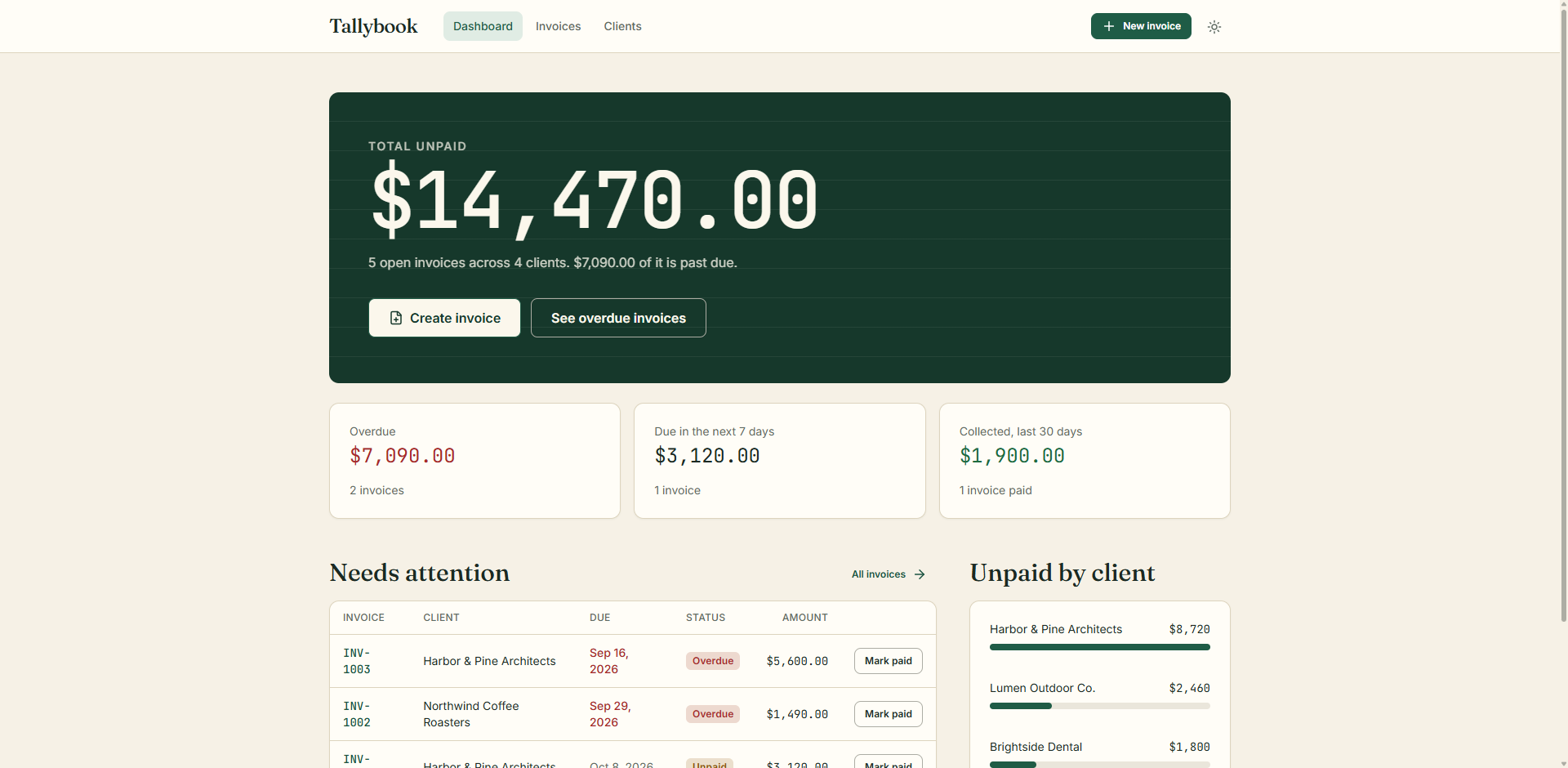
3. Your app is live. The finished app opens in the builder with a live preview. It is already published on its own link, which you can share with anyone.
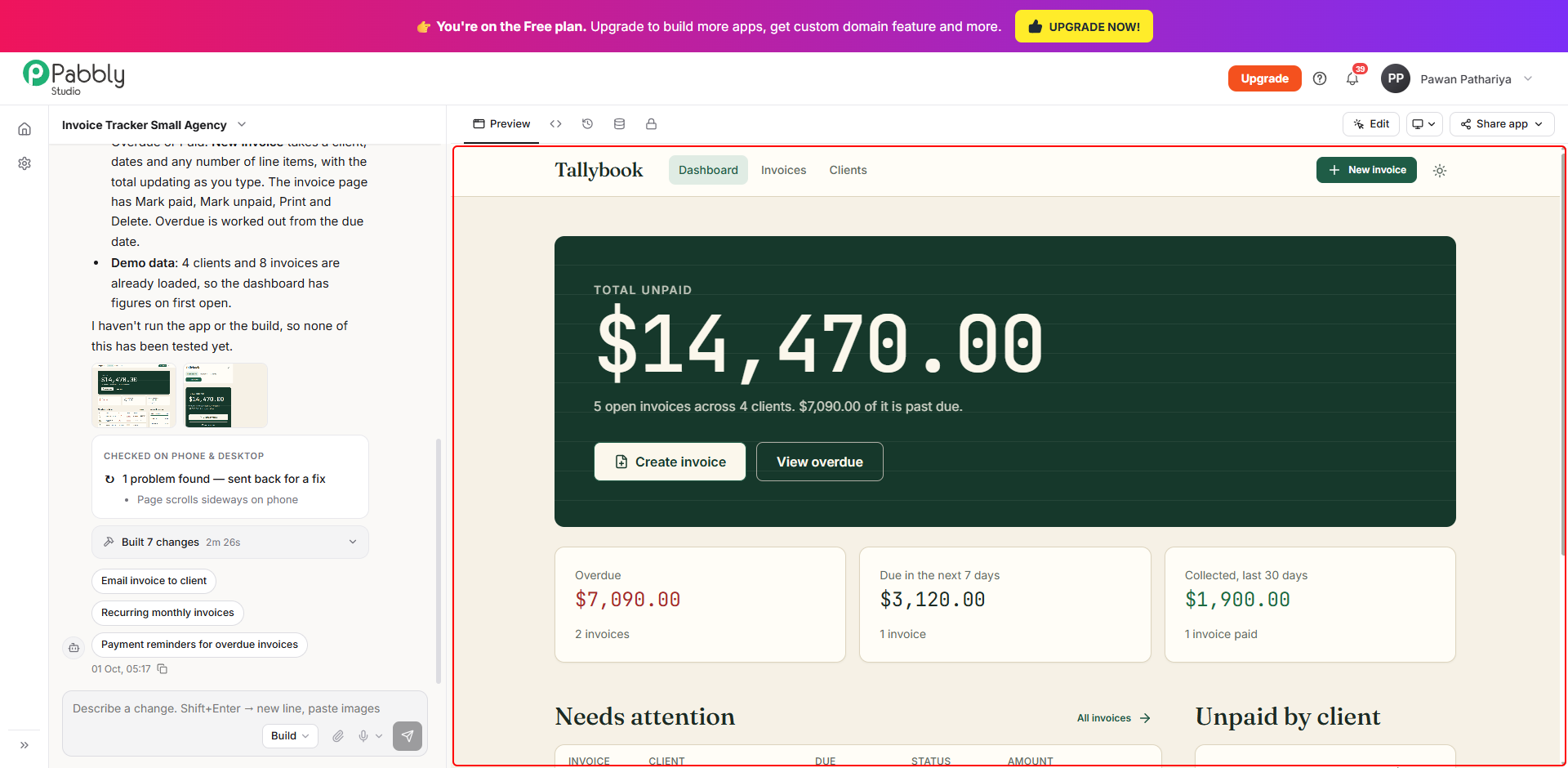
4. Keep improving it by chatting. Ask for changes in the chat, such as a new field, a new page or different colours. Every change is saved as a new version, so you can always go back to an earlier one.
To build your first app, see How to Create Your First App in Pabbly Studio.
If you still have any questions, feel free to reach out to us.
