Follow these steps to customize your email notification preferences inside your Pabbly Chatflow account and stay informed based on your needs.
Step 1: Log in to Your Pabbly Chatflow Account
Access your Pabbly Chatflow dashboard by signing in with your credentials.
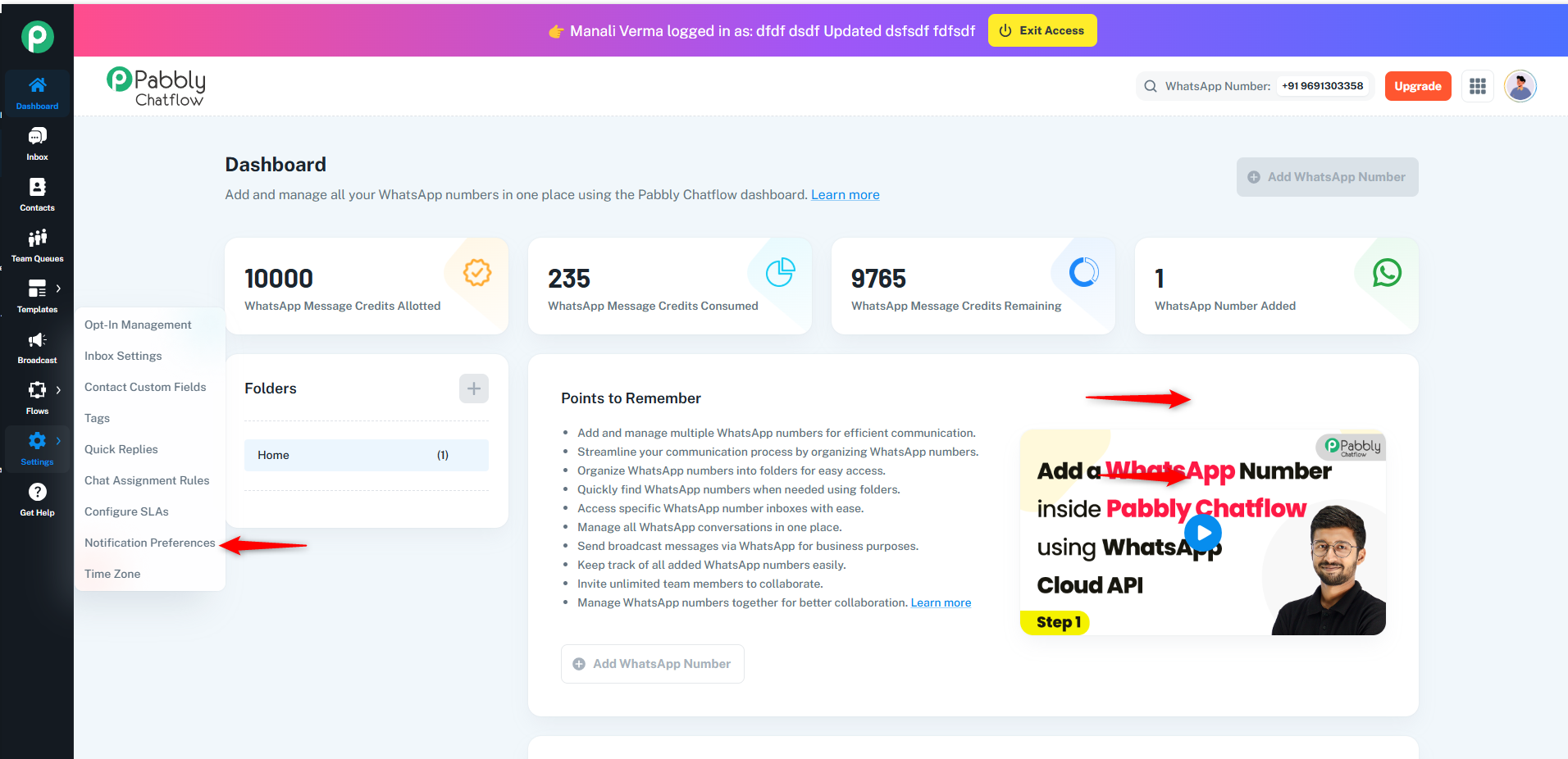
Step 2: Navigate to Notification Preferences
- Go to the Settings module.
- In the navigation panel, click on Notification Preferences.
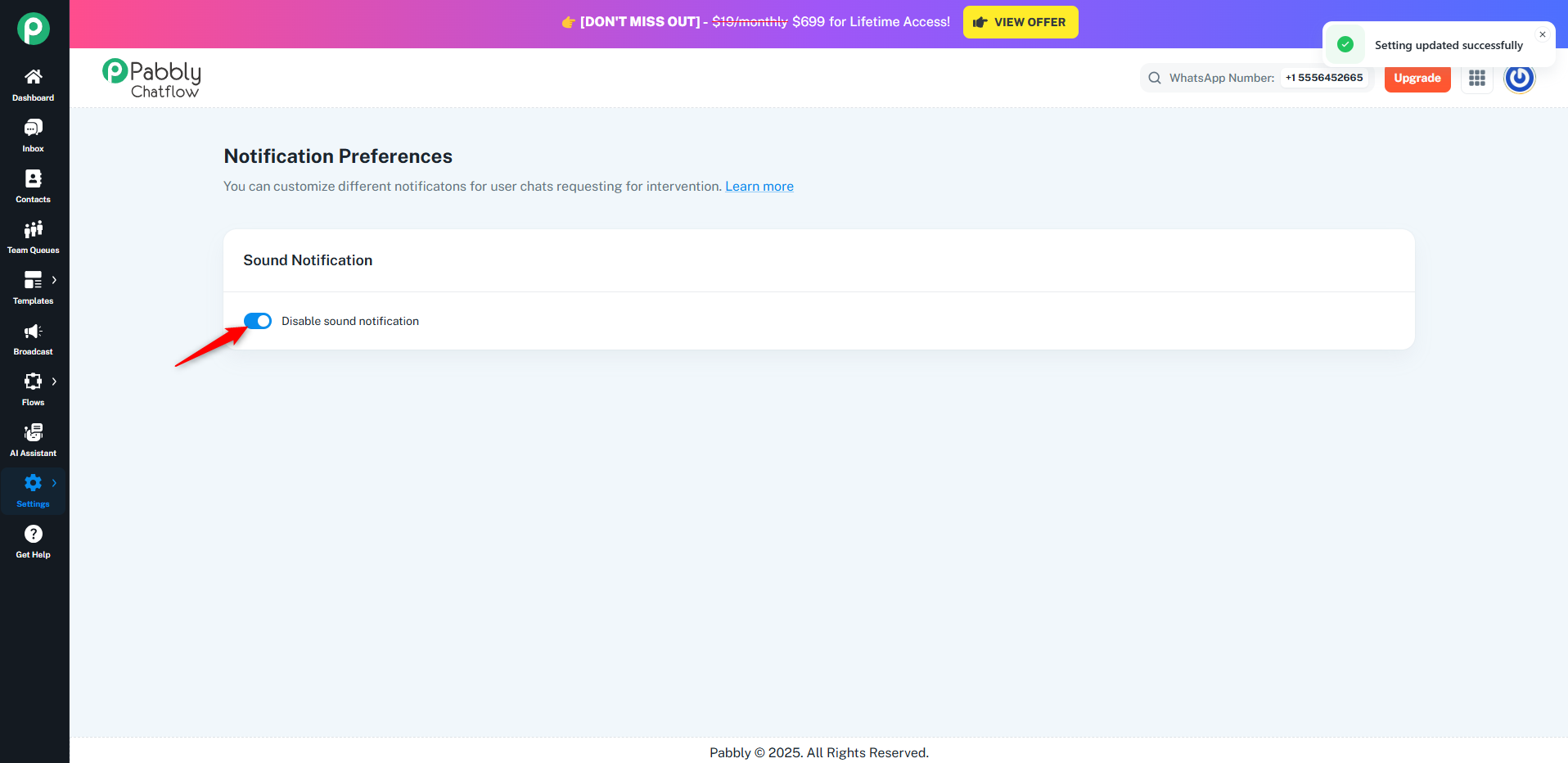
Step 3: Set Your Chat Notification Preferences
- Enable or disable chat notifications.
- These notifications help you stay informed about important user chats that may need manual attention.
Originally posted by Manali Verma on 2025-04-28 (forum thread #28693).
