Help and Guide
The Activity Logs module allows you to view and track all actions performed inside your Pabbly Chatflow account for better transparency, accountability, and auditing.
Access your Pabbly Chatflow dashboard by signing in with your credentials.
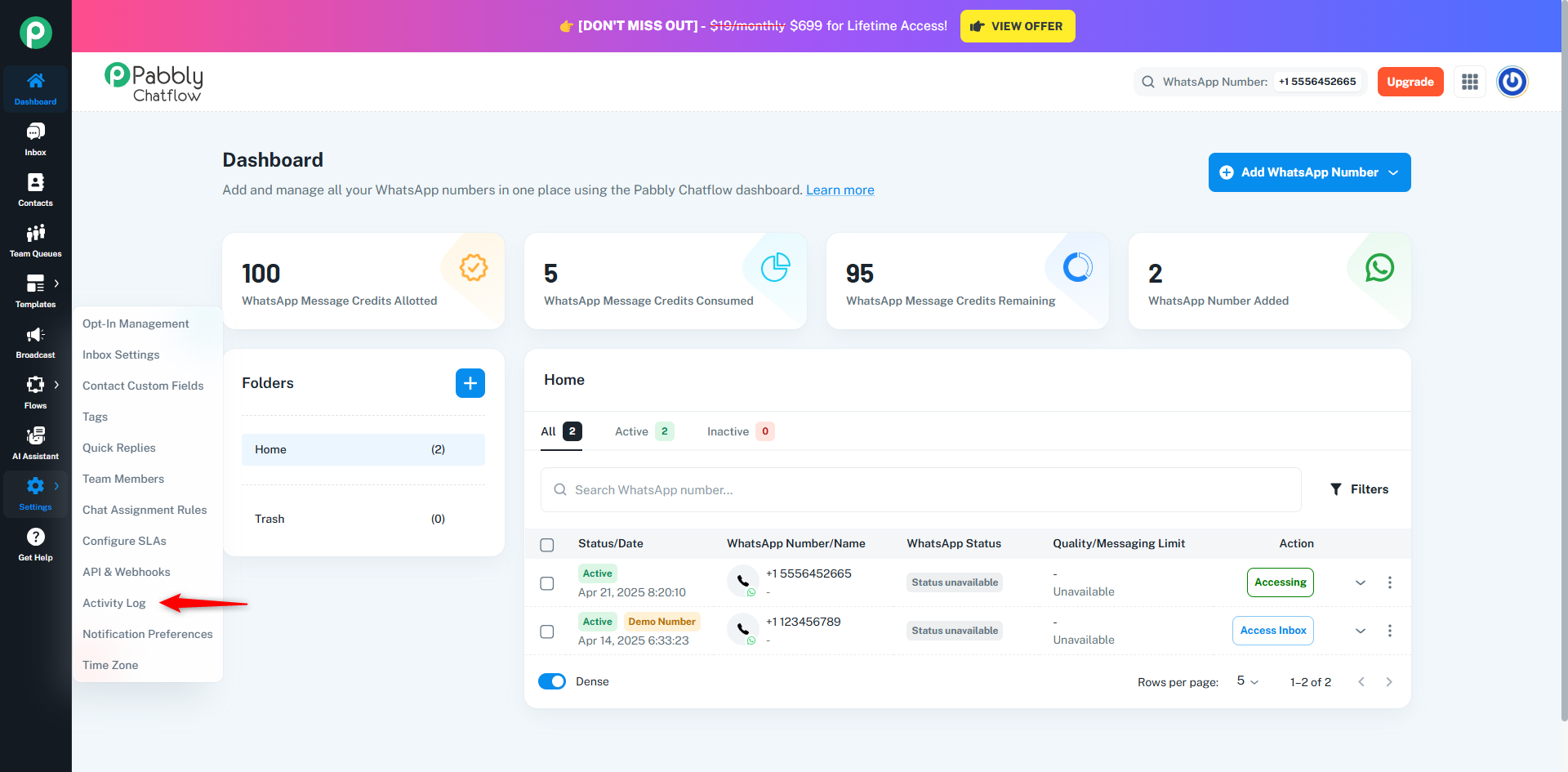
In the Activity Logs section, you can:
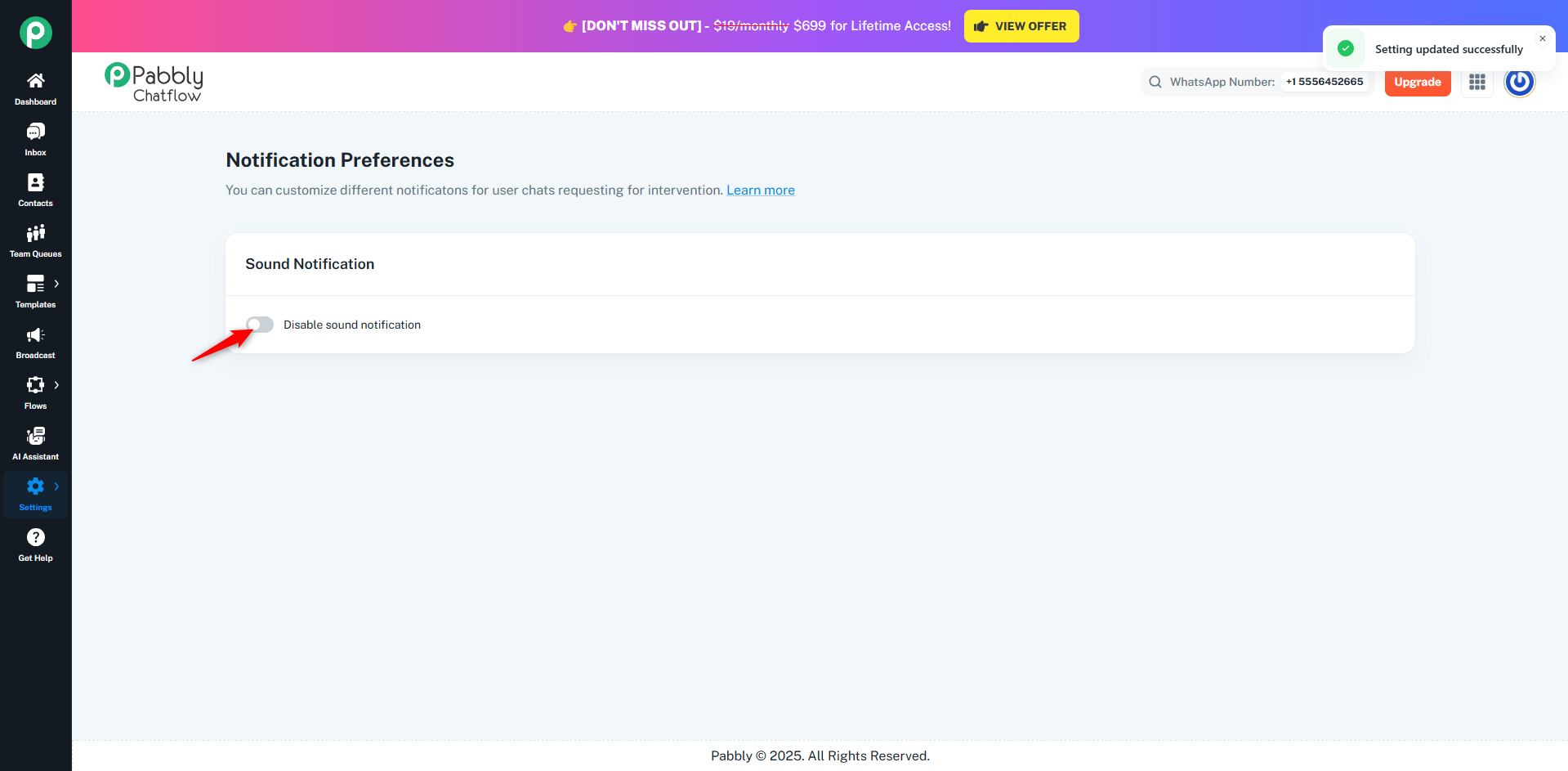
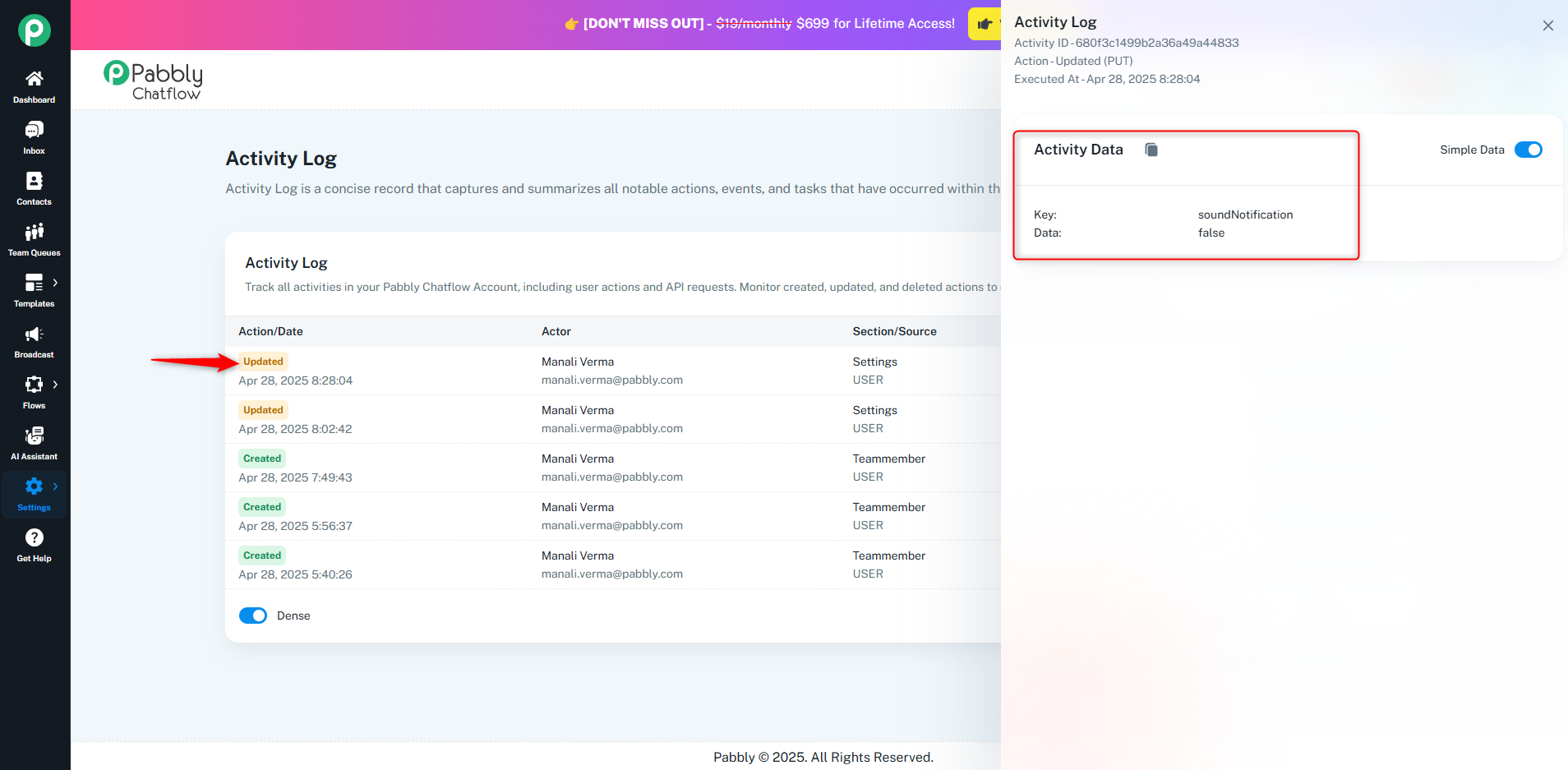
Example: If you disable a notification toggle under Notification Preferences, this action will immediately appear in the Activity Logs.
 You can see details such as who made the change, what setting was updated, and the exact time it happened.
Note: Activity Logs help maintain complete transparency and allow administrators to monitor key actions across the workspace. Only the Team Owner has access to view Activity Logs. Team members cannot see the activity history.
Originally posted by Manali Verma on 2025-04-28 (forum thread #28694).
