WhatsApp Business API & Integration Guides
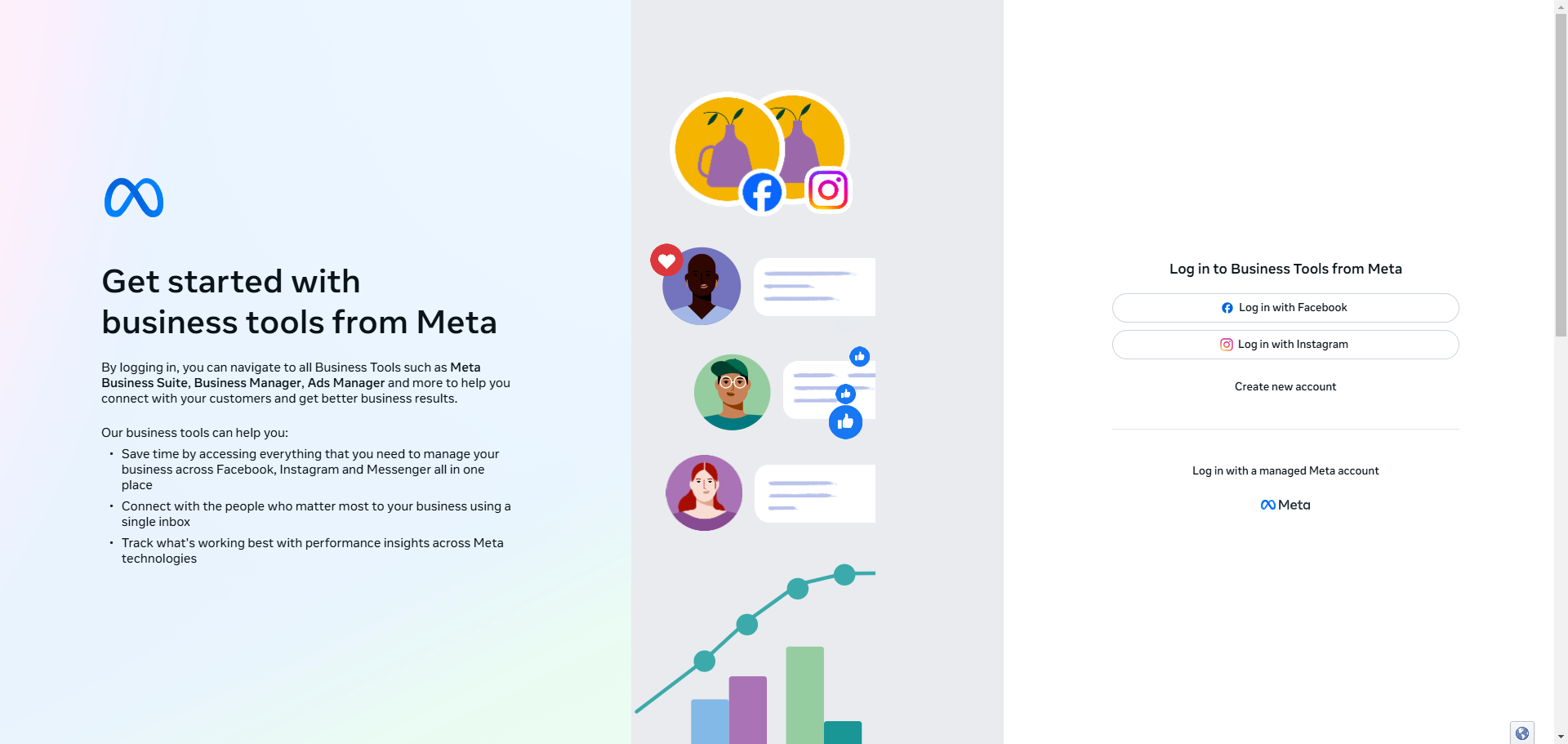
Here are the following steps on how to create a WhatsApp Cloud API account and connect it to Pabbly Chatflow using Manual Token Connection:

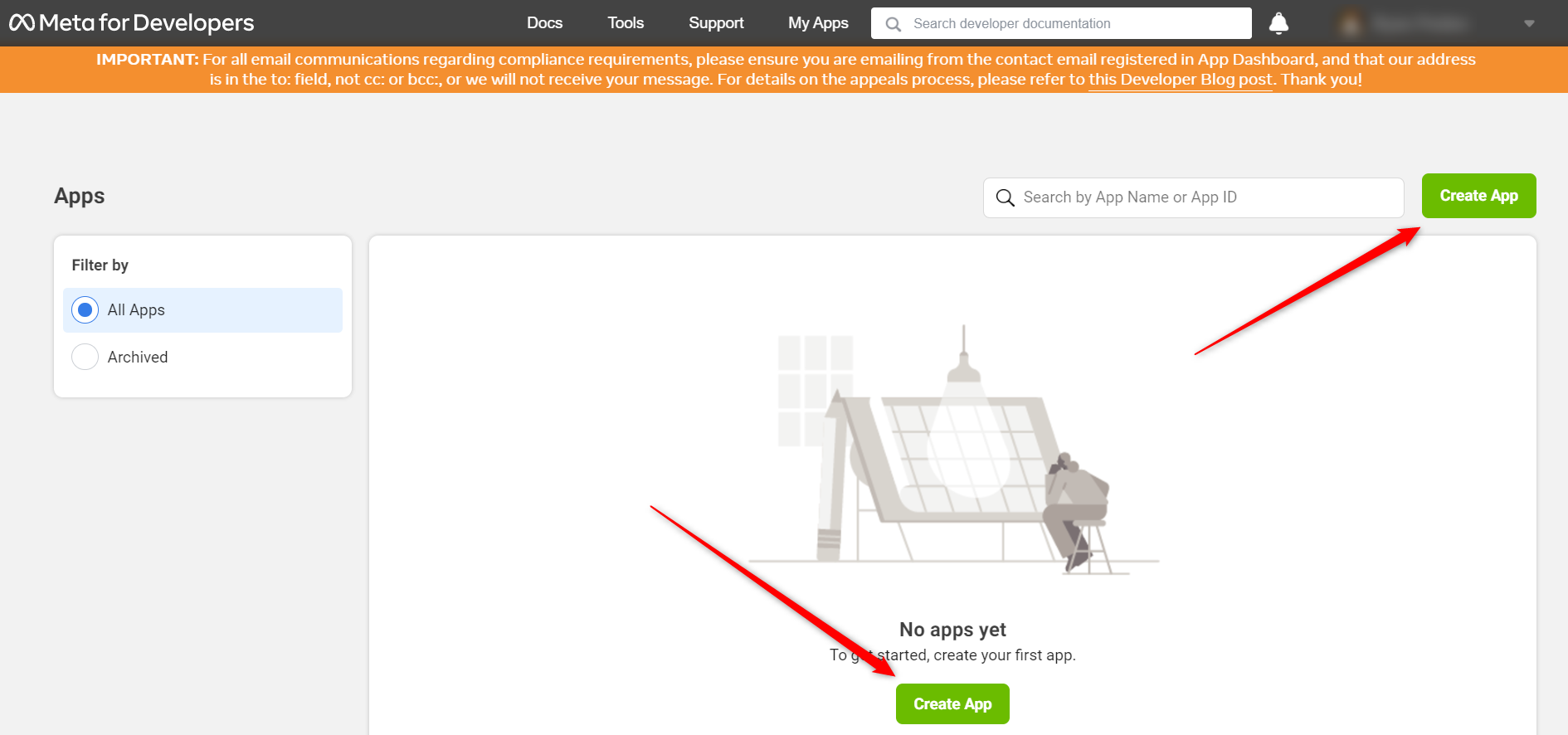
Next, you’ll need to choose an app type.
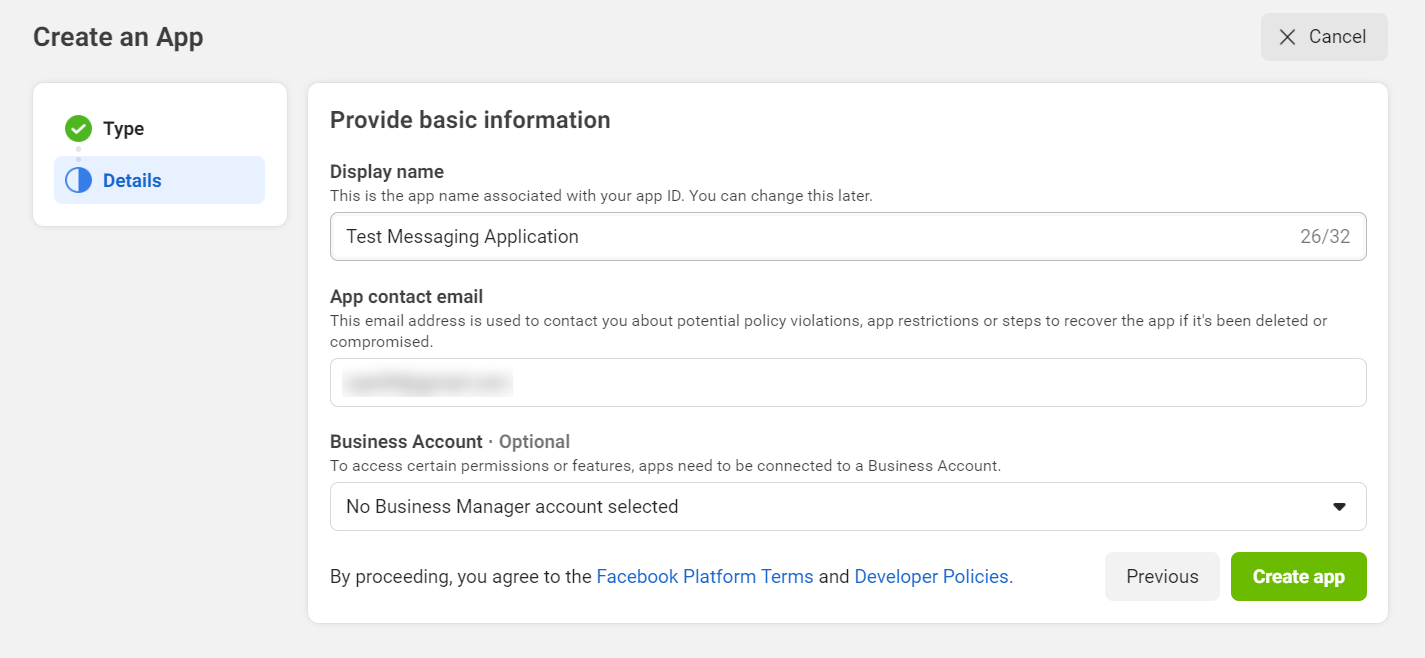
After that, enter a display name for your application. you have a business account to link to your app and click Create App Button.
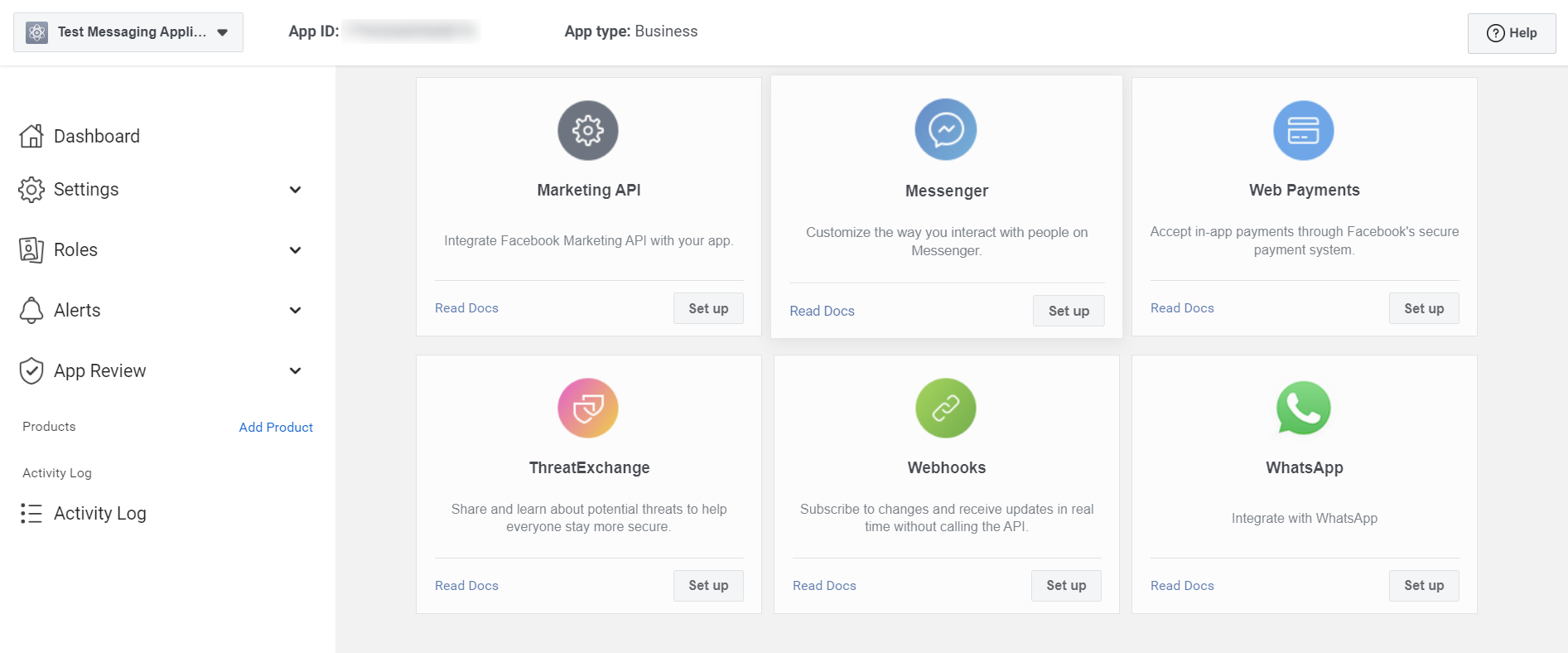
Then, you’ll need to add products to your app. Scroll down until you see WhatsApp and click the Set up button.
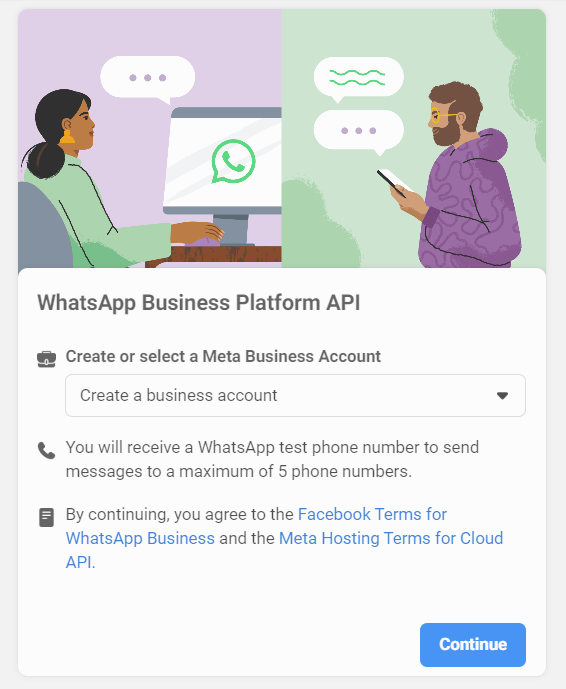
Finally, choose an existing Meta Business Account or ask the platform to create a new one and click Continue Button.
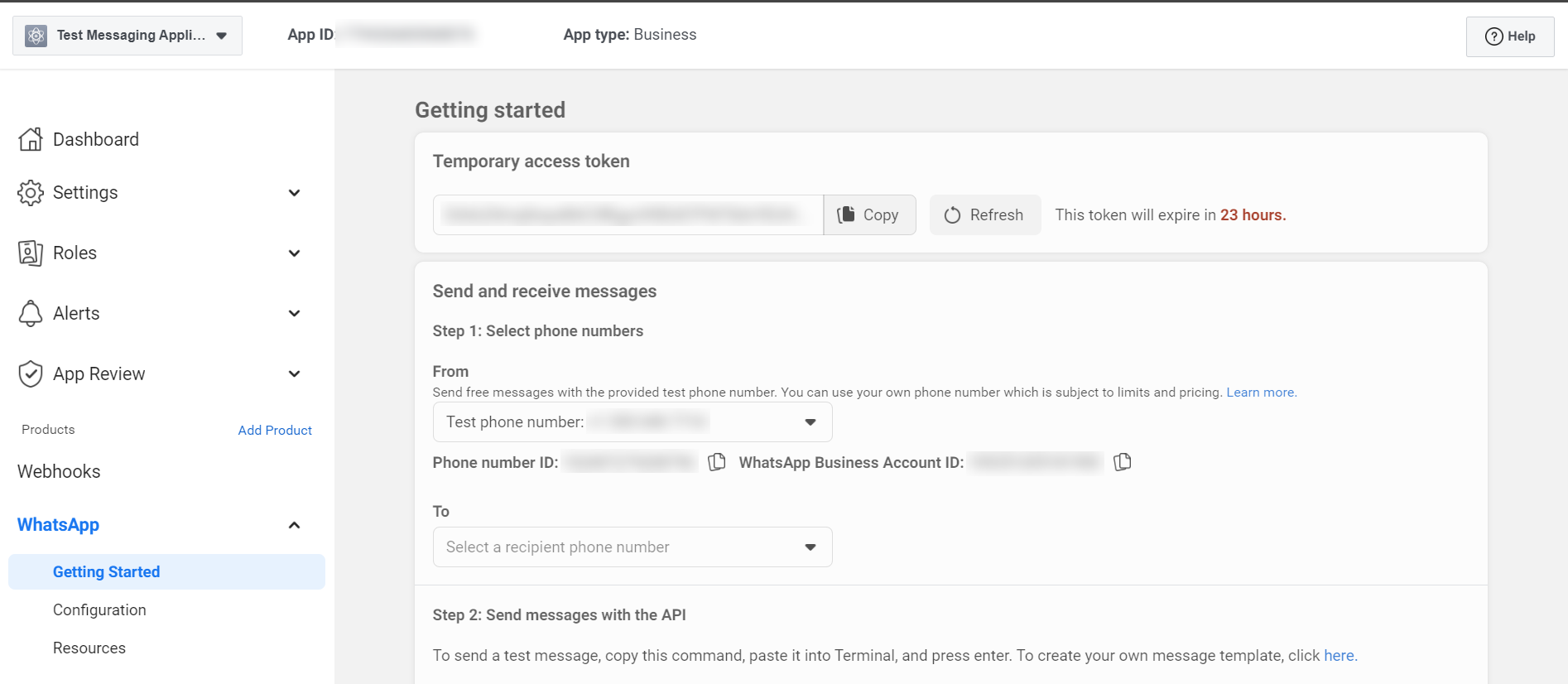
And with that, your app is created and ready to use. You’re automatically directed to the app’s dashboard.
Follow the video below to generate the permanent access token.
Usually the access token that you get on the dashboard of WhatsApp Cloud API Setup is valid for only 1 hour. So we recommend users to generate a permanent access token and use it inside Pabbly Chatflow.
