Invoices & Sales
 Pabbly Subscription Billing Team•Updated Nov 21, 2026•2 min read
Sometimes a customer forgets to enter their GSTIN at checkout and asks for a GST invoice later. Or an invoice was paid before you turned e-invoicing on. In both cases you can create the e-invoice yourself, from the invoice.
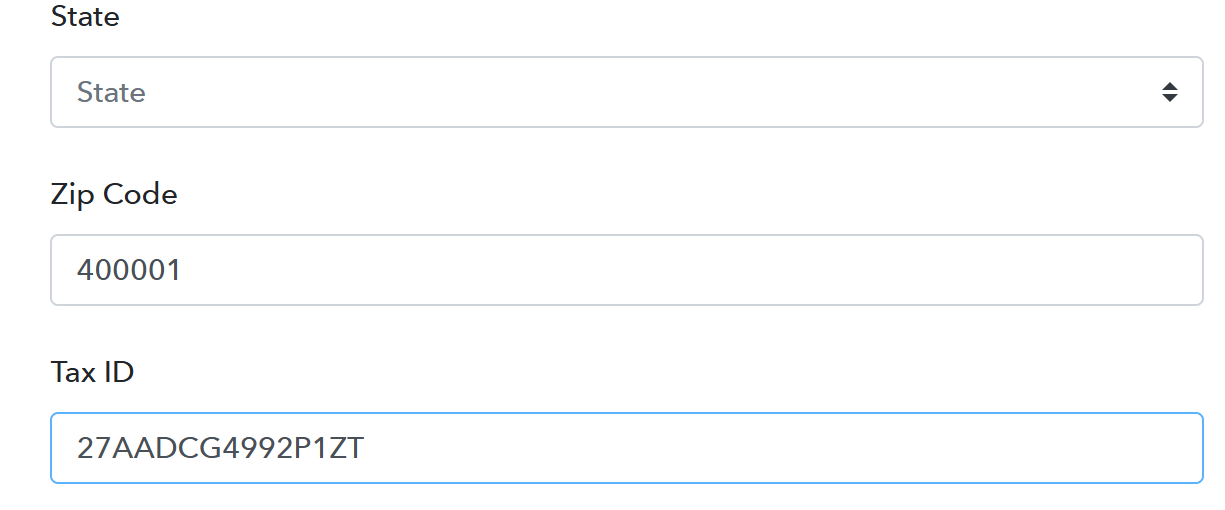
Your customer can also add their GSTIN themselves in the customer portal, under their profile.
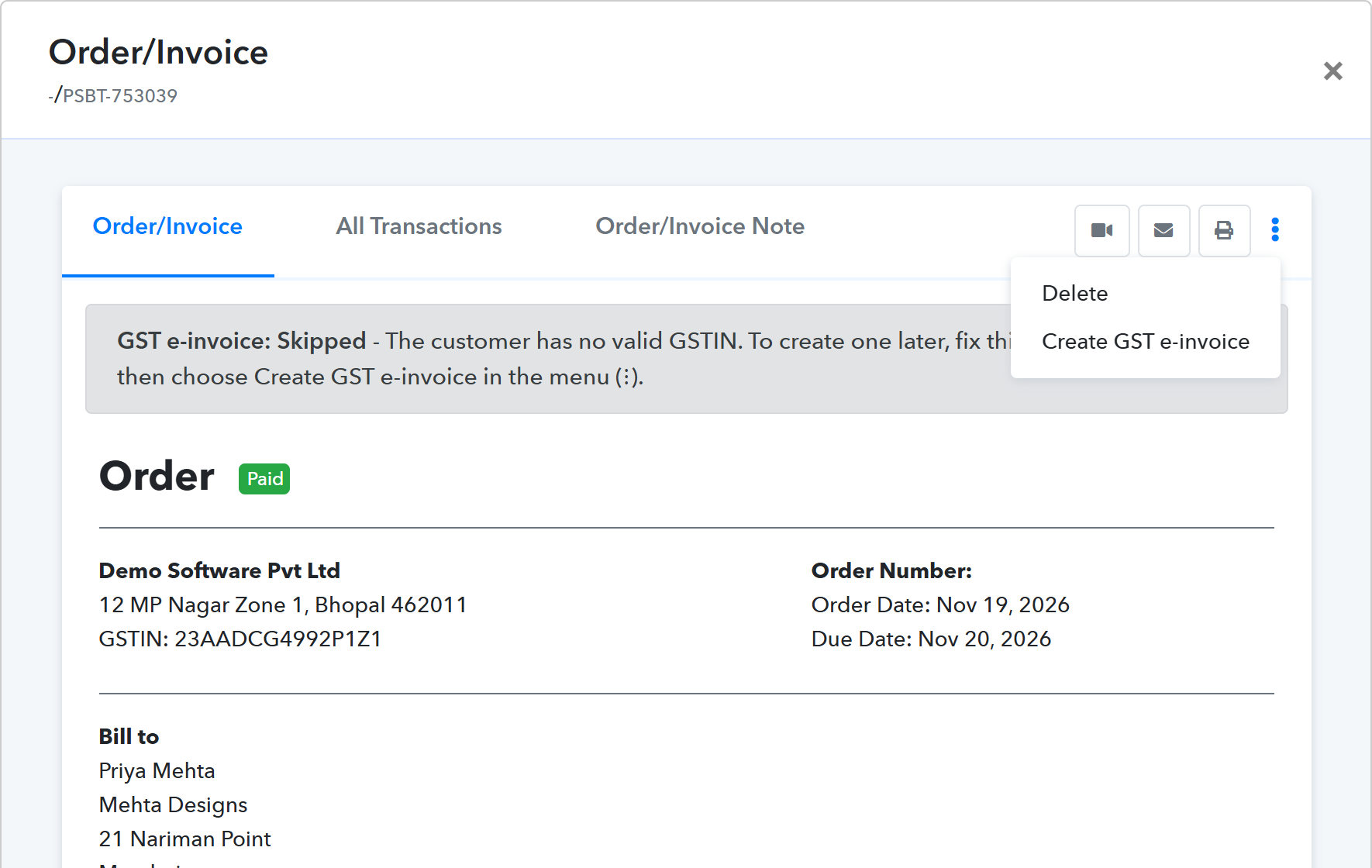
The e-invoice is created in a few seconds and shown on the invoice, with the customer's current GSTIN and billing address.
It is not shown for Untaxed invoices, because an invoice without GST can't have an e-invoice. A Failed e-invoice has a Retry button instead.
The same checks as for new payments are used. If the invoice still doesn't qualify, you see the reason and nothing is created. For example:
The reason shown on the invoice is updated, so you can see what is still missing.
Invoices paid before you turned e-invoicing on can be e-invoiced the same way. Keep in mind the e-invoice portal's time limit: businesses above the turnover limit set by GSTN can't report an invoice more than 30 days after its date. In that case the portal's message is shown and the e-invoice is marked Failed.
