Managing Your App
 Pabbly Studio Team•Updated Oct 1, 2026•2 min read
You manage each app from the Your apps list on the Pabbly Studio dashboard. From there, you can open an app, rename it, turn it off for a while, or delete it permanently. This guide explains each option and what happens to your app's link and data.
1. Find your app in the Your apps list. Go to the Pabbly Studio dashboard. Every app you have created is listed under Your apps. Each row shows the app's link, its status, whether it is active, its visits and when it was last updated.
Click the app's name to open it in the builder. To open the live app in a new tab, click the arrow icon at the end of the row.
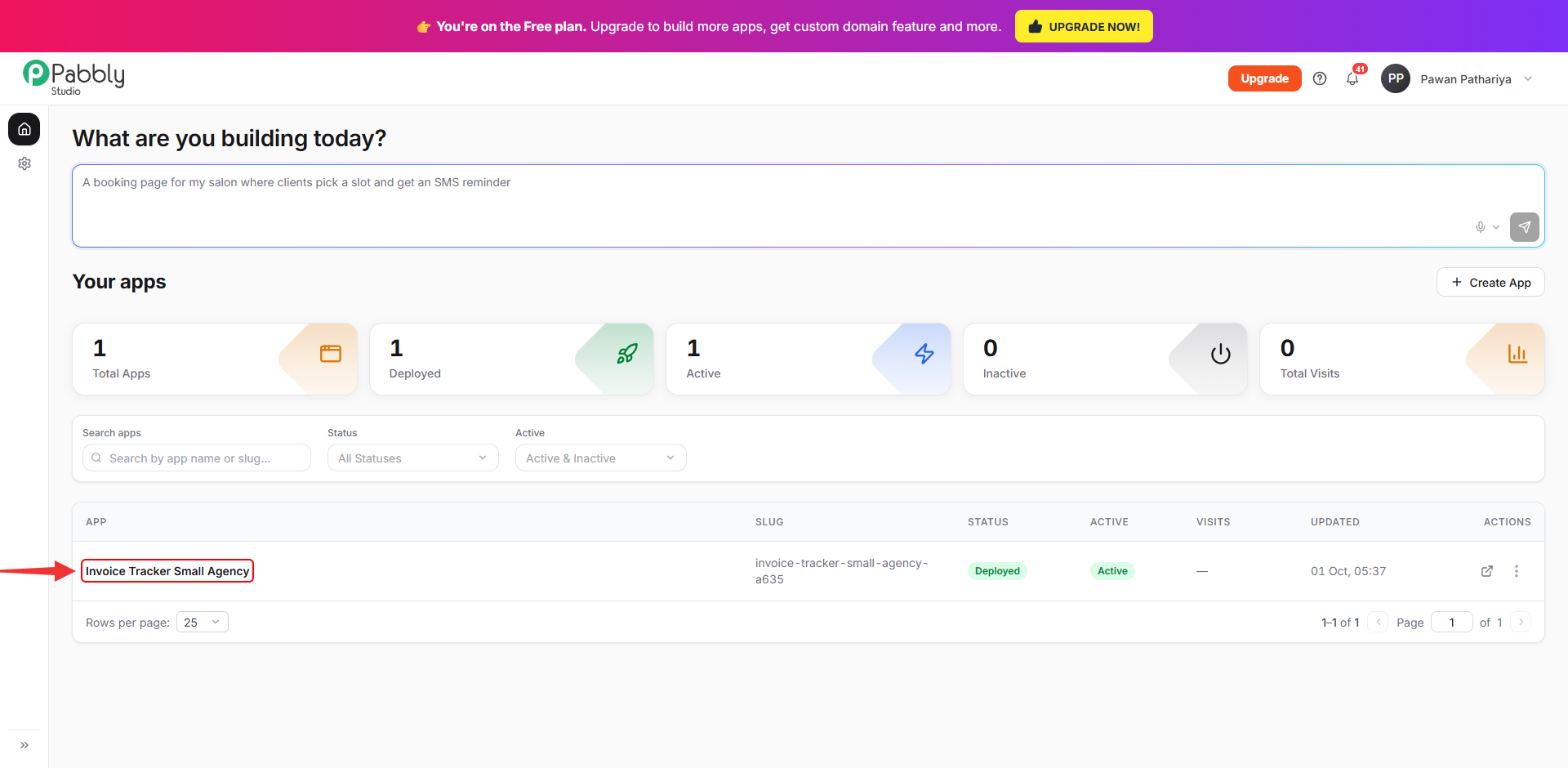
2. Open the app's menu. Click the ⋮ button at the end of the app's row. The menu has these options:
The last line shows the total AI credits used on this app so far.
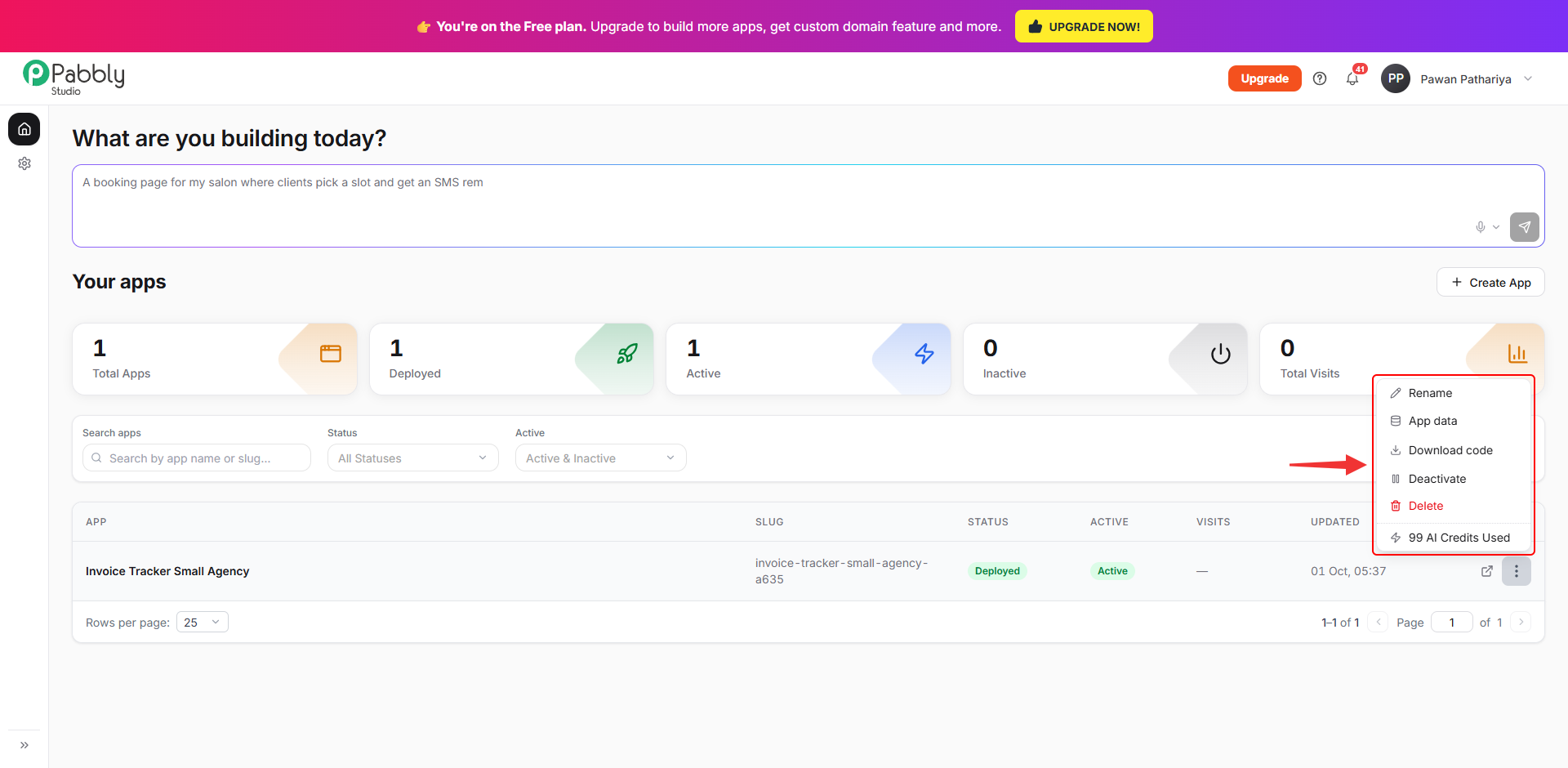
Choose Rename, type the new name and click Save. Renaming only changes the name you see in Pabbly Studio. Your app's link stays exactly the same, so any links you have already shared will keep working.
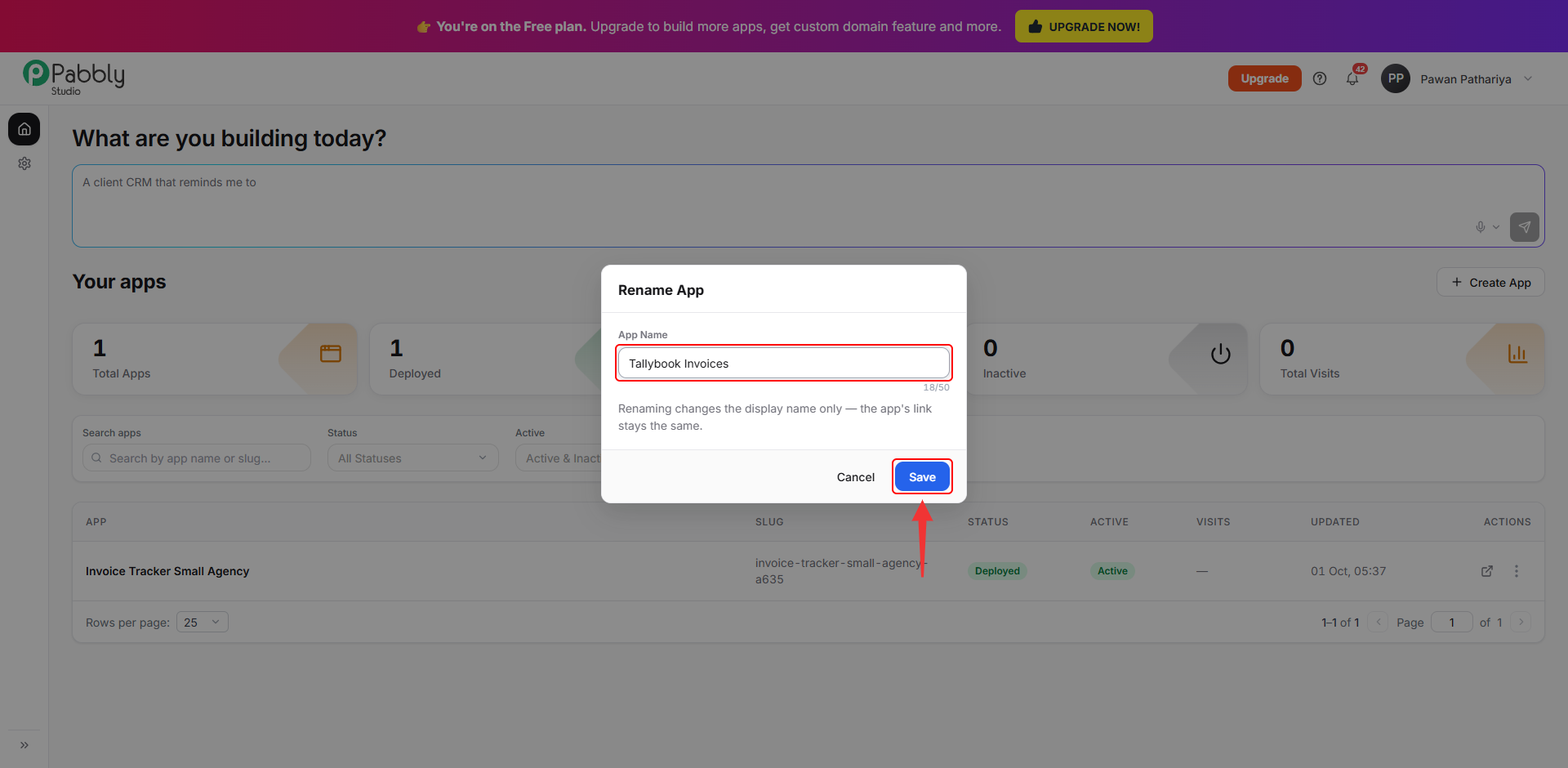
Choose Deactivate and confirm. While an app is deactivated:
To turn it back on, open the same ⋮ menu and choose Activate. If you have already reached your plan's active-app limit, deactivate another app or upgrade your plan first.
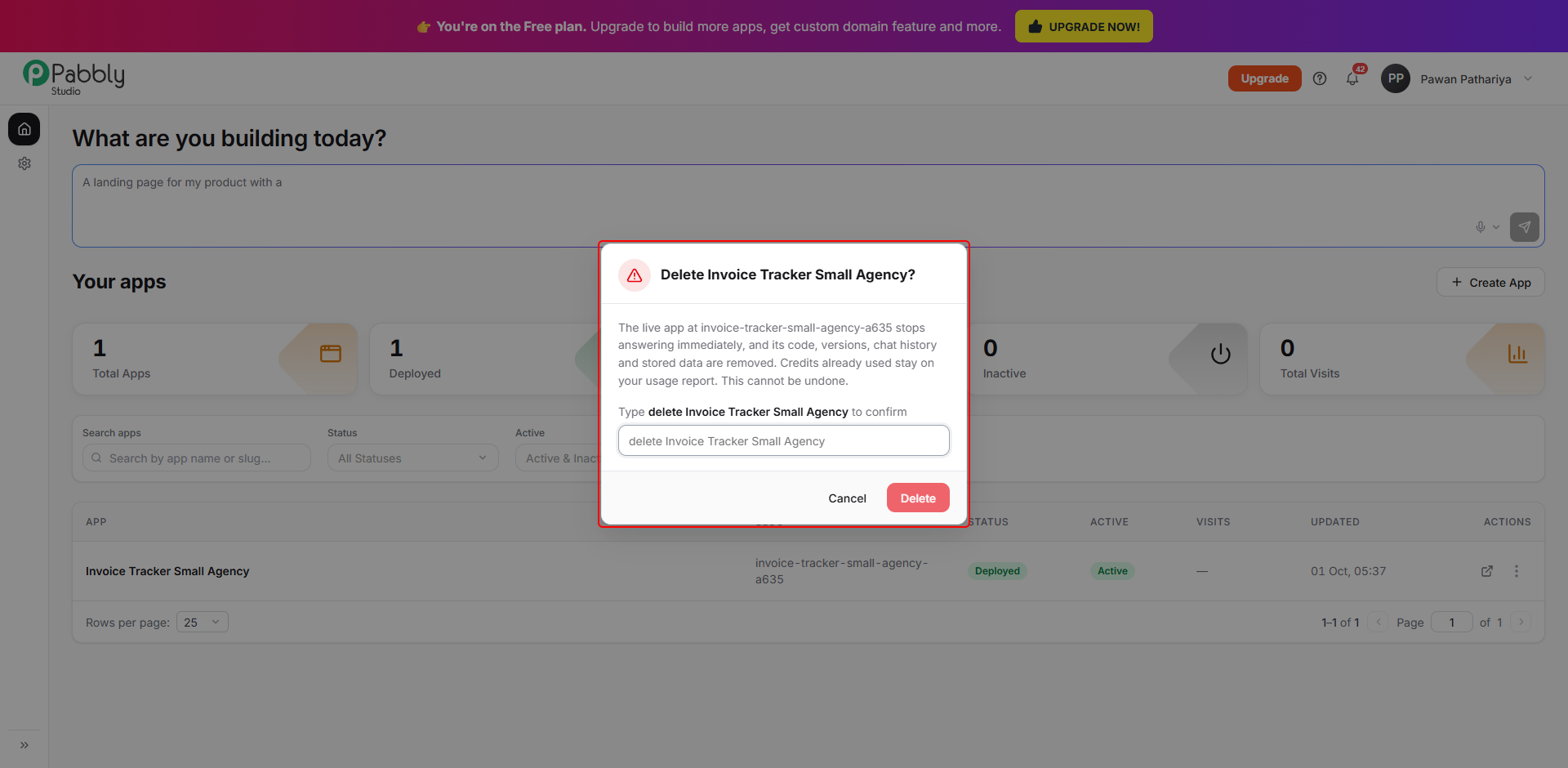
Choose Delete. Deleting an app stops the live app right away. It also removes the app's code, versions, chat history and stored data. This cannot be undone.
To make sure you do not delete an app by mistake, type delete followed by the app's name exactly as shown, then click Delete.
Any credits already used on the app will still appear in your usage report.
Tip: If you only want to stop people from using an app for a while, or free up a slot on your plan, Deactivate it instead of deleting it. You can bring it back at any time with everything still in place.
You can also rename or delete an app from inside the builder. Click the arrow next to the app's name at the top of the chat.
This is how you can rename, deactivate or delete an app in Pabbly Studio. If you still have any questions, feel free to reach out to us.
