Getting Started
 Pabbly Studio Team•Updated Oct 1, 2026•3 min read
The description you type is the most important part of building an app in Pabbly Studio. A clear prompt helps you get closer to what you want on the first build. This saves you both time and AI credits.
1. What is the app? Name the type of app in a few words, such as an invoice tracker, a booking page for my salon or a client portal.
2. Who is it for? For example, for a small agency, for my salon's clients or for my team of five. This helps decide the wording, the layout and what matters most on screen.
3. What should people be able to do? List the main actions, such as add clients, create invoices with line items, mark them paid, book a slot or upload a photo.
4. What should they see first? For example, a dashboard with the total unpaid amount, today's bookings or a list of open requests.
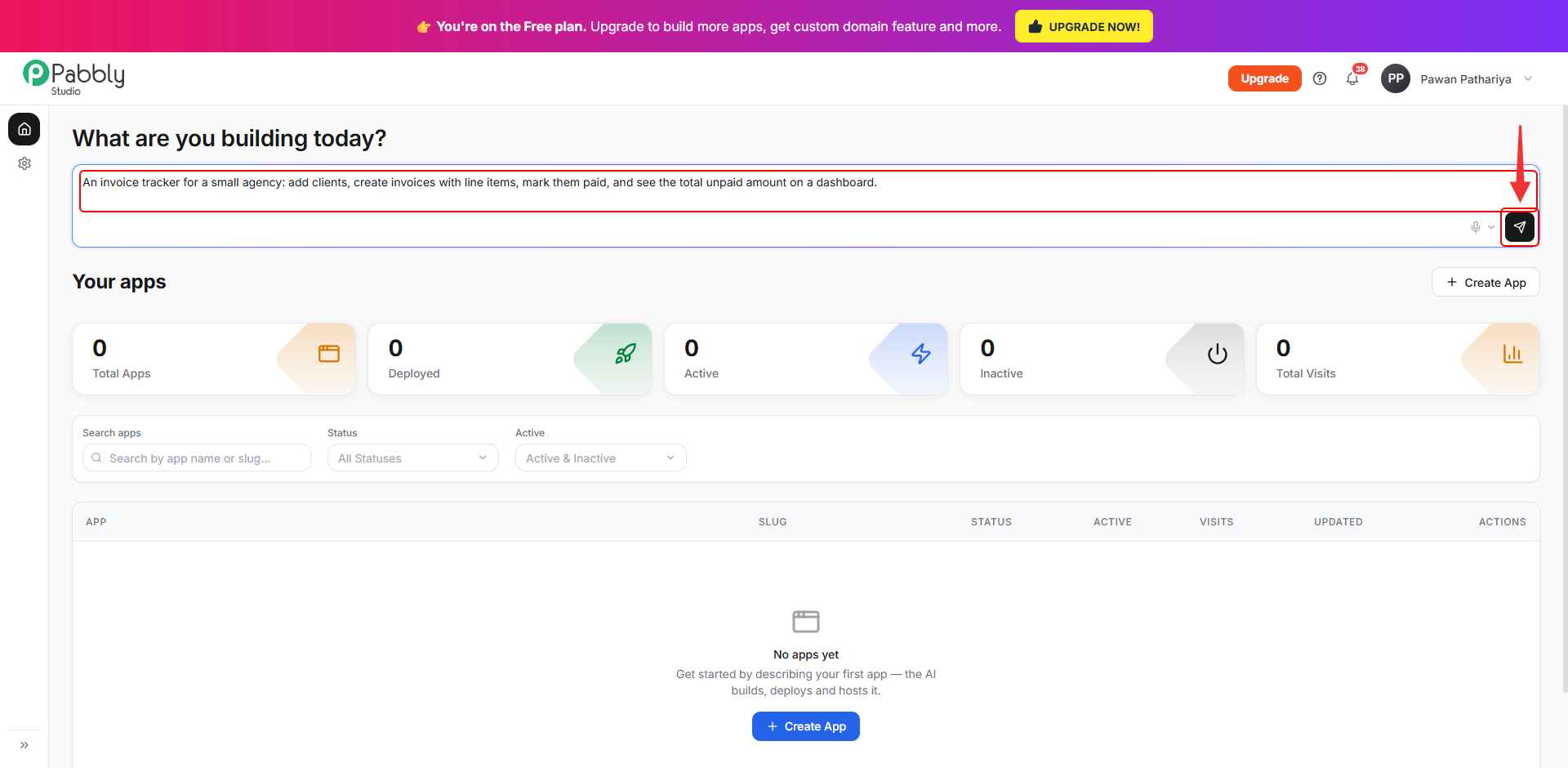
When you put it all together, it looks like this:
An invoice tracker for a small agency: add clients, create invoices with line items, mark them paid, and see the total unpaid amount on a dashboard.
A booking page for my hair salon. Clients pick a service and a free time slot, enter their name and phone number, and get a confirmation. I see all bookings for the day on a staff page behind a login.
A simple CRM for a solo consultant. Add companies and contacts, log calls and meetings against them, and see who I have not contacted in 30 days.
A landing page for my bakery with our story, a photo gallery, opening hours, a menu with prices, and a contact form that saves messages.
After the first build, describe one change at a time and say where it should go:
On the Clients page, add a phone number for each client. Show it in the clients list and in the add client form. It should be optional.
To change one specific button, heading or section, click Edit and point at it in the preview. Then describe the change you want.
If you still have any questions, feel free to reach out to us.
