Credits & Plans
 Pabbly Studio Team•Updated Oct 1, 2026•2 min read
Your Pabbly Studio plan decides how many apps you can keep active at the same time. It also decides whether you can use your own domain.
Every plan includes the AI app builder, live preview, version history, rollback, a database for each app, and a public link to share.
| Plan | Active apps | Custom domain |
|---|---|---|
| Free | 1 | No |
| Standard | 3 | Yes |
| Unlimited | Unlimited (fair usage) | Yes |
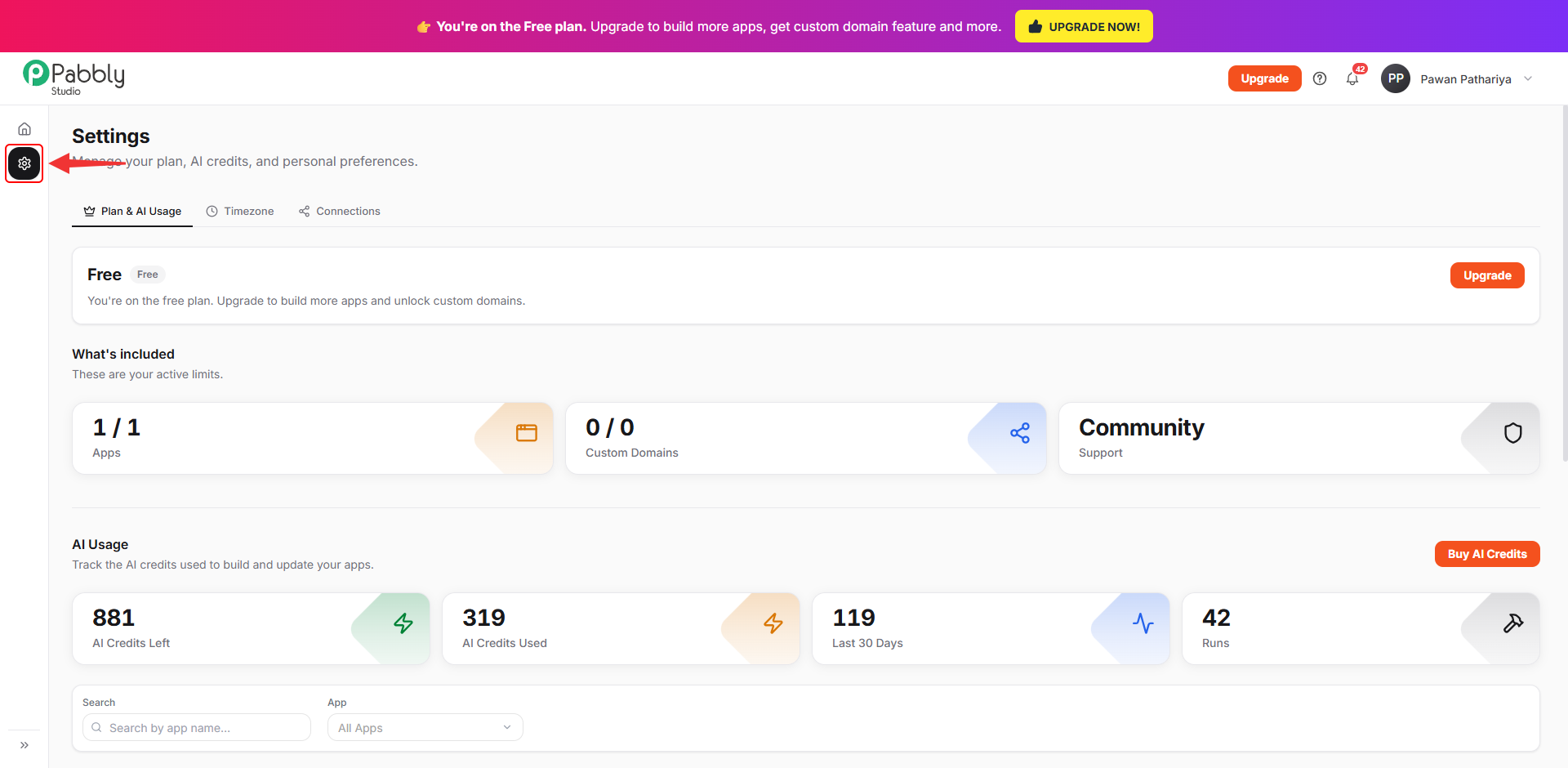
1. Open Settings. Click the Settings (gear) icon in the left sidebar.
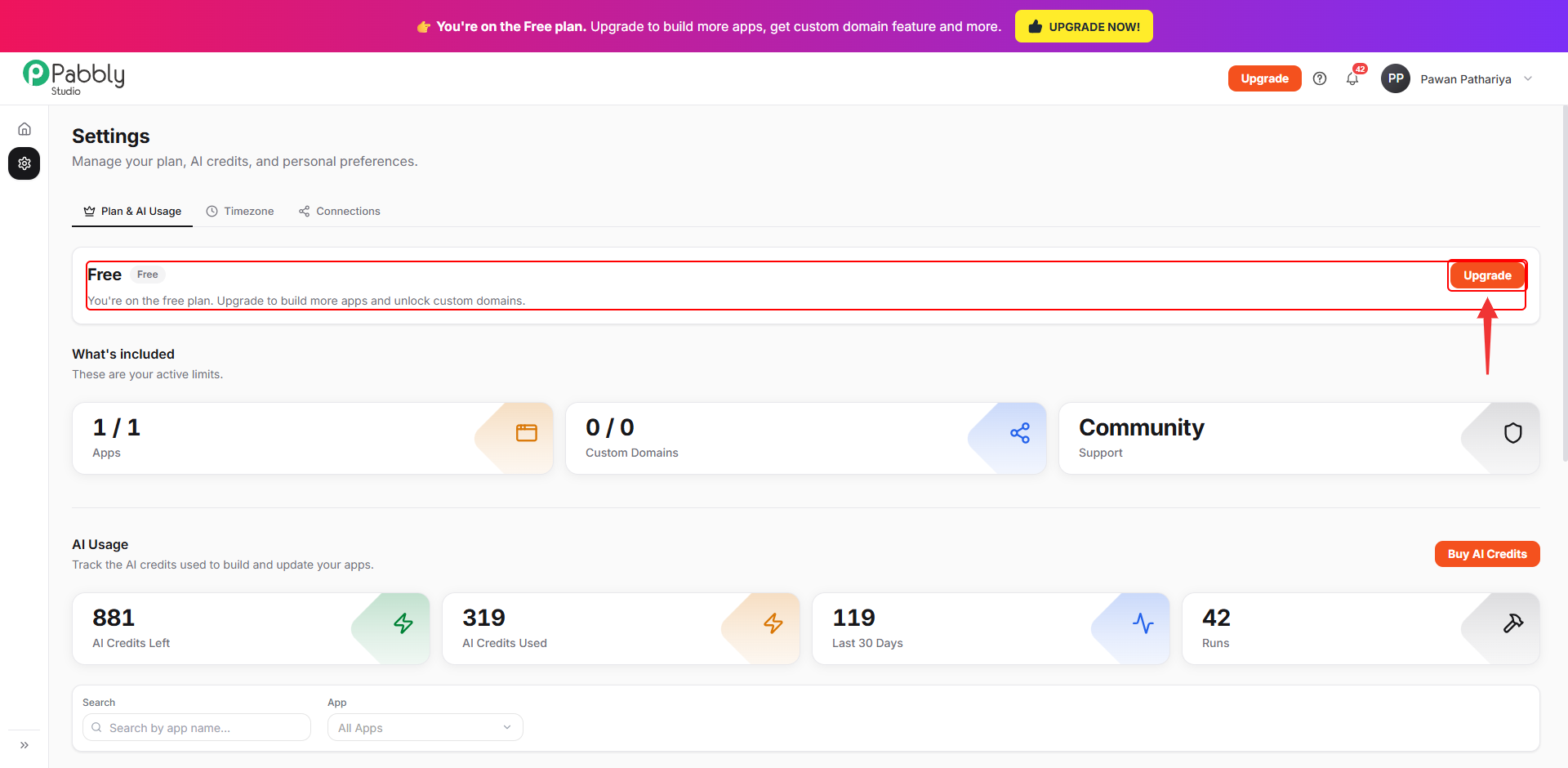
2. Check your current plan. The Plan & AI Usage tab shows your current plan at the top.
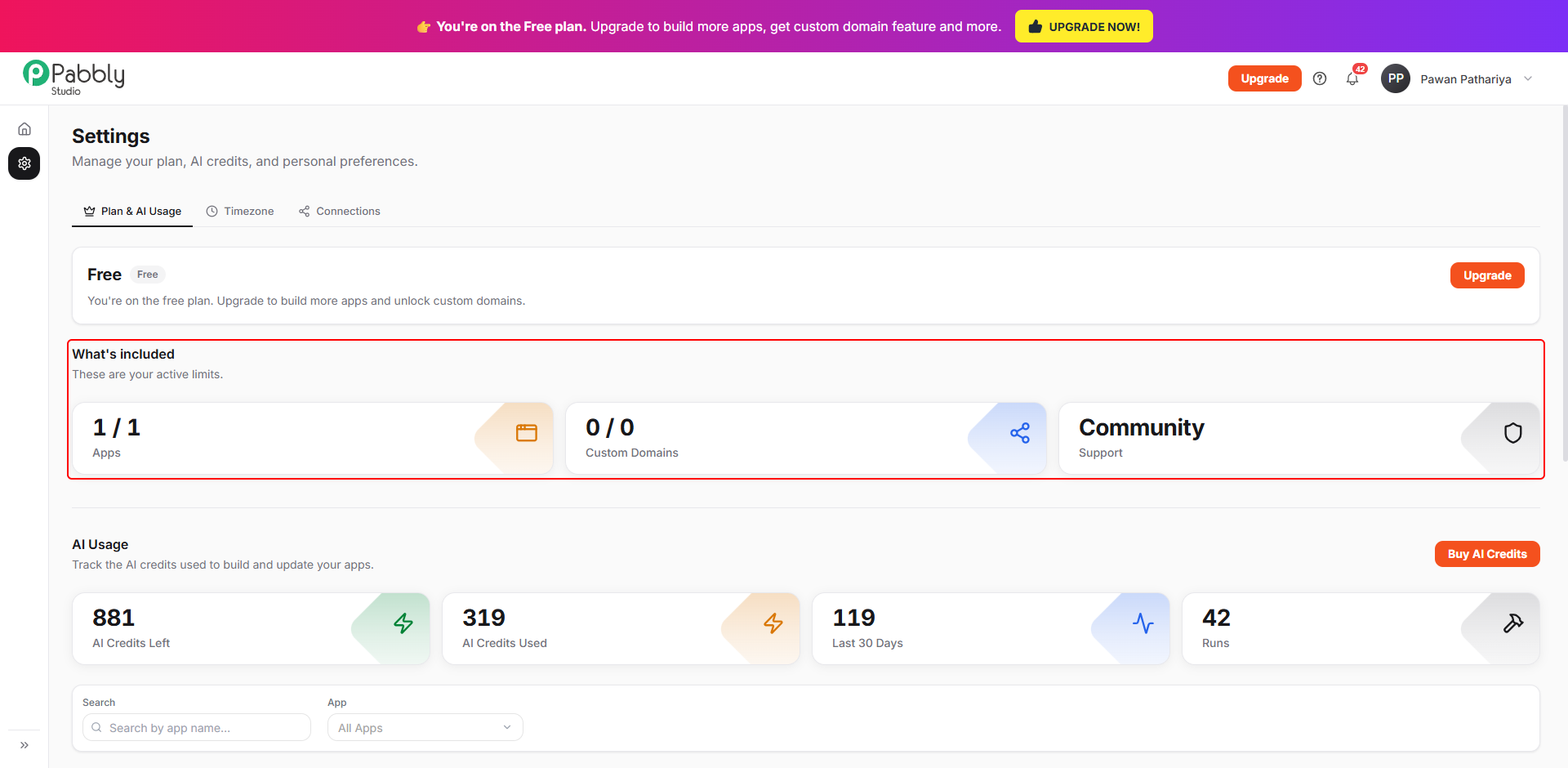
3. Check your limits. Under What's included, you can see how many apps you are using out of your plan's limit (for example, 1 / 1 Apps). You can also see how many custom domains you can connect and your support level.
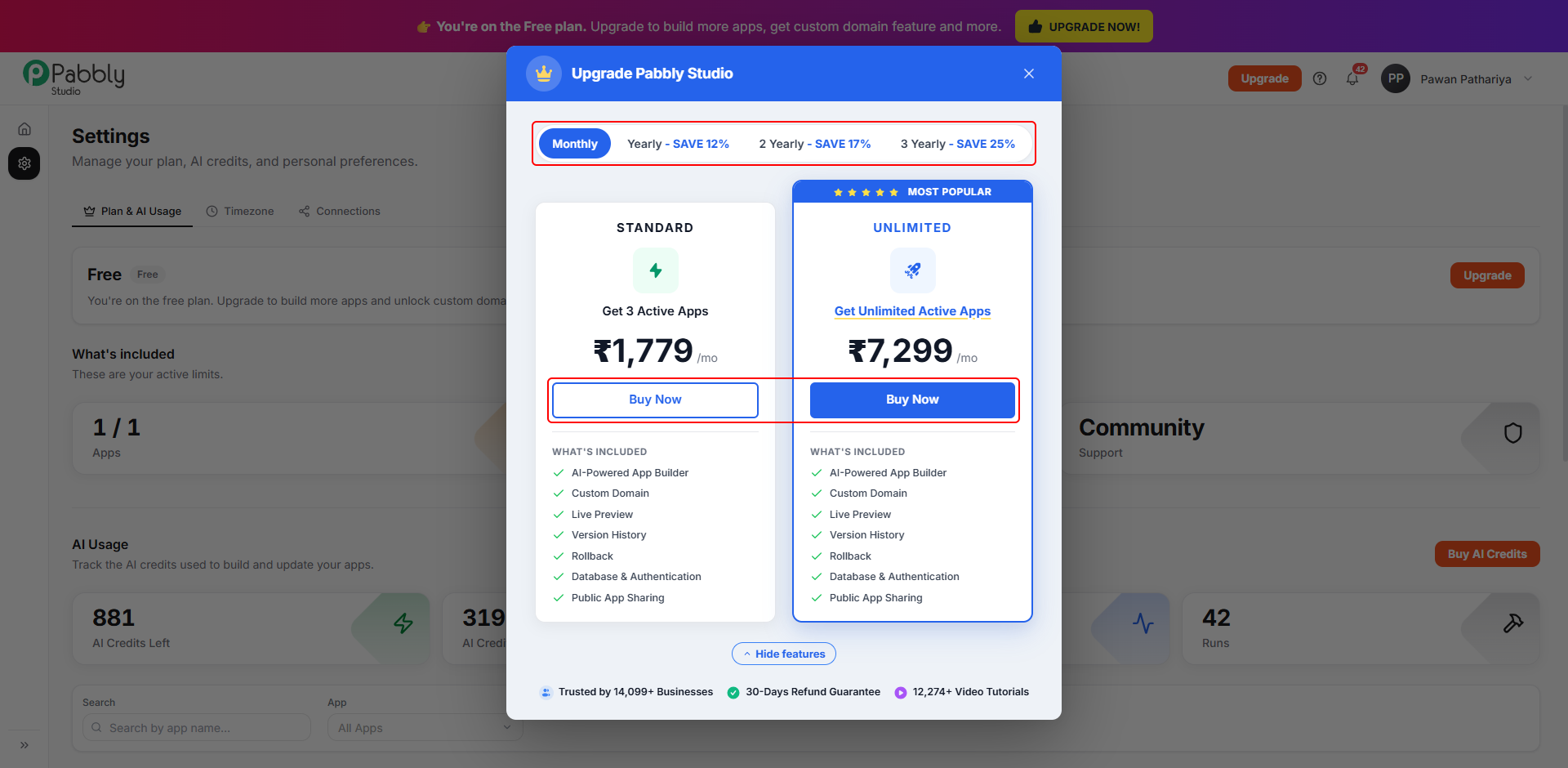
1. Click Upgrade. Click Upgrade on your plan card in Settings, or click the Upgrade button at the top of any Pabbly Studio page.
2. Choose a billing period and a plan. At the top, choose Monthly, Yearly, 2 Yearly or 3 Yearly. Longer periods save you more. Then click Buy Now on Standard or Unlimited and complete the payment. Prices are shown in your local currency.
Your new limits apply as soon as the payment is complete.
Things to know about plans
This is how plans and app limits work in Pabbly Studio. If you still have any questions, feel free to reach out to us.
