Settings
 Pabbly Email Marketing Team•Updated Oct 24, 2026•1 min read
The Time Zone setting allows you to control how time is displayed across your entire Pabbly Email Marketing account.
Whatever time zone you select here will be applied everywhere in your business.
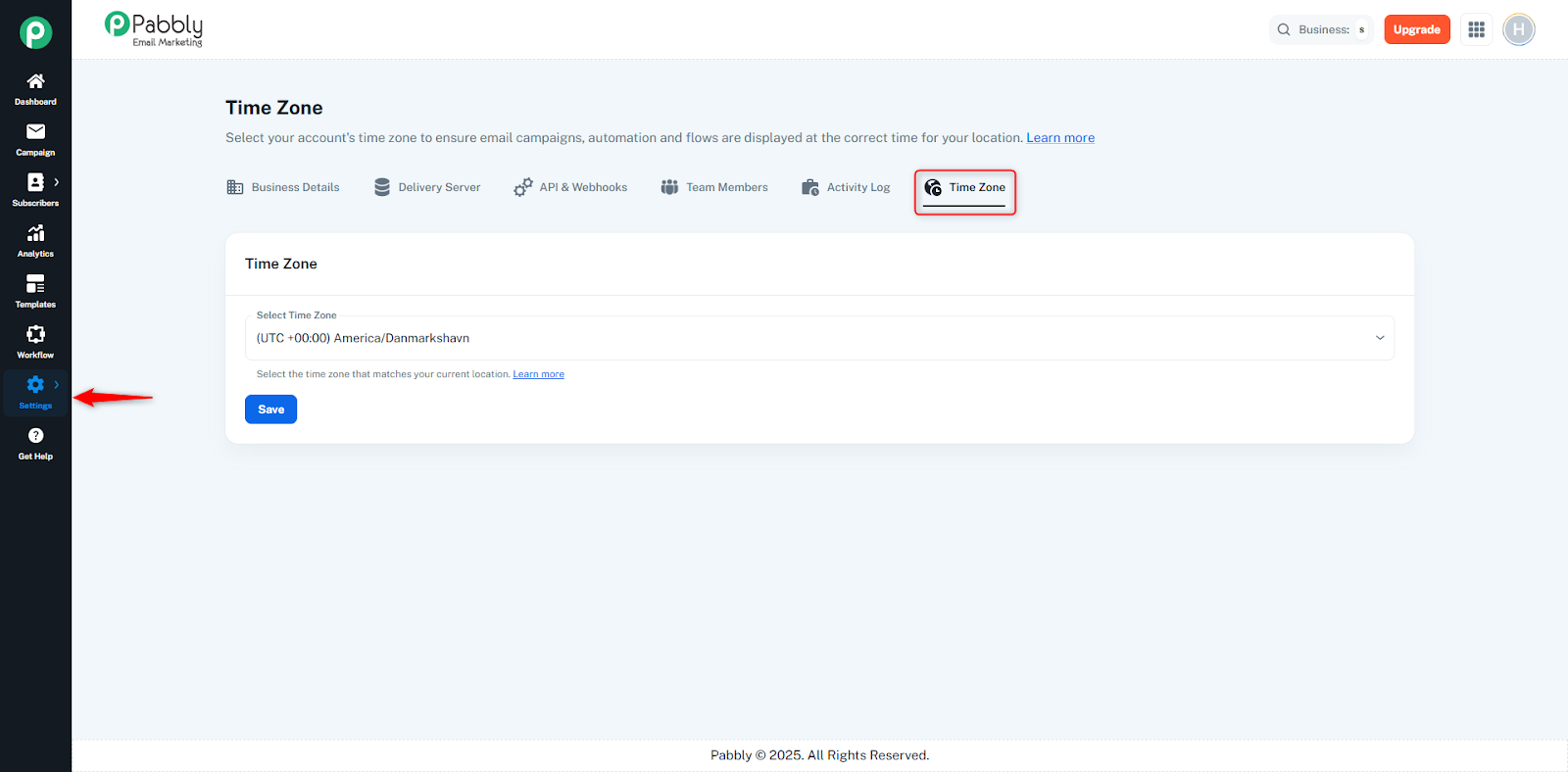
When you select a time zone, all timestamps in your account adjust automatically.
This includes:
Campaign scheduling
Automation and workflow triggers
Subscriber activity time
Activity log timestamps
Template save/update time
API-related actions
Delivery server logs
Team member activity
In short, every feature that displays time will follow the time zone you set here.
Go to Settings → Time Zone.
Click the Select Time Zone dropdown.
Choose the time zone that matches your location.
Click Save.
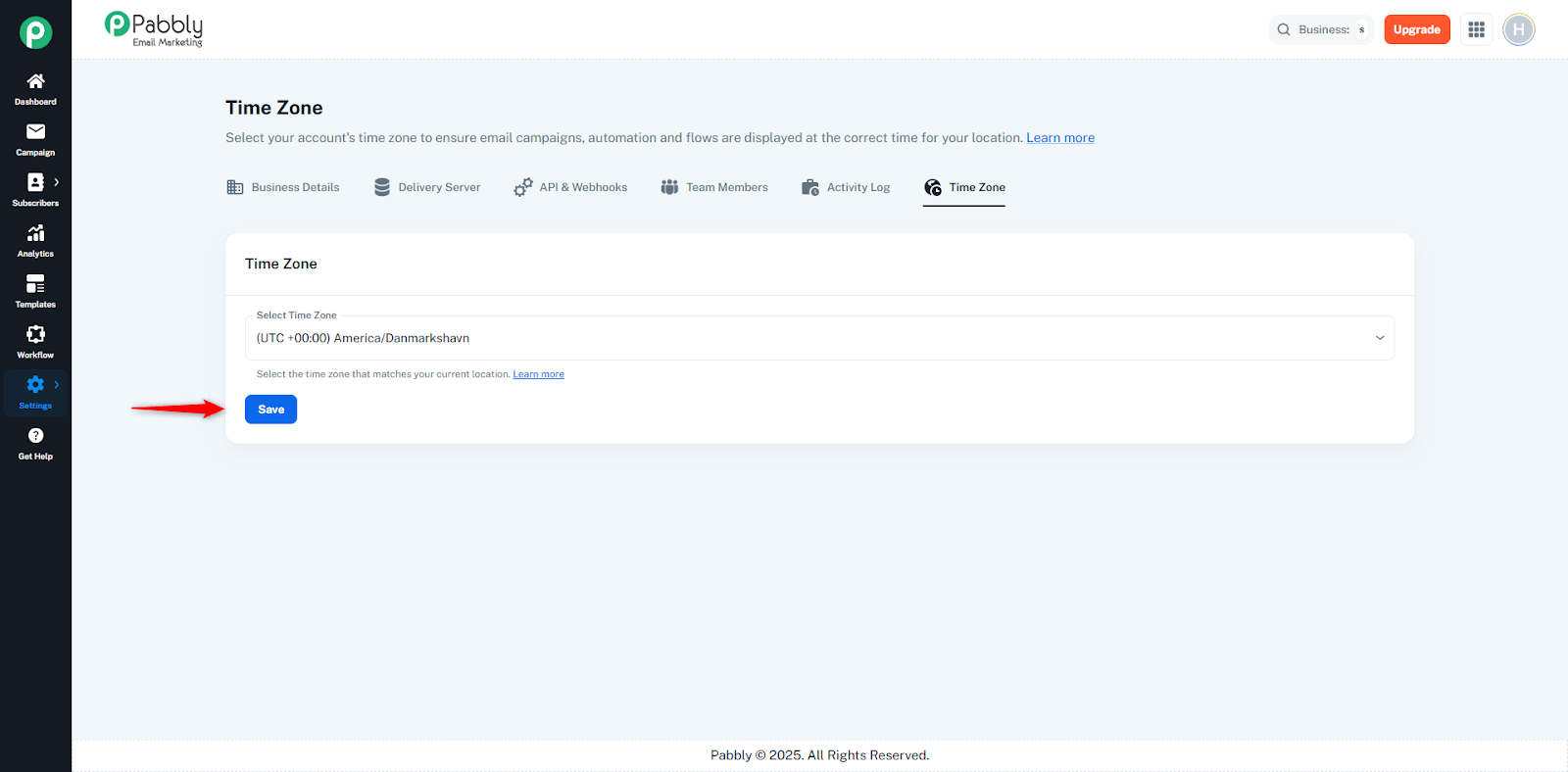
After saving, the selected time zone becomes active immediately and all modules start showing time according to your chosen zone.
